How Long Do Trail Camera Batteries Last? What Affects Battery Life?
Trail camera battery life can range from a few weeks to several months, depending on how often the camera is triggered, the settings you use, the weather, and the type and condition of the batteries. There is no single runtime that applies to every setup.
If your trail camera seems to run out of power too quickly, a few simple adjustments—such as choosing the right battery type, reducing unnecessary triggers, and checking your camera’s placement—may help extend its operating time.
How Long Should Trail Camera Batteries Last?
Many trail cameras can operate for weeks or months on a set of batteries under moderate-use conditions. However, a camera in a busy wildlife corridor may use power much faster than one placed in a quiet area.
Battery life depends on several variables:
- Trigger frequency: More animal detections mean more photos or videos and more camera activity.
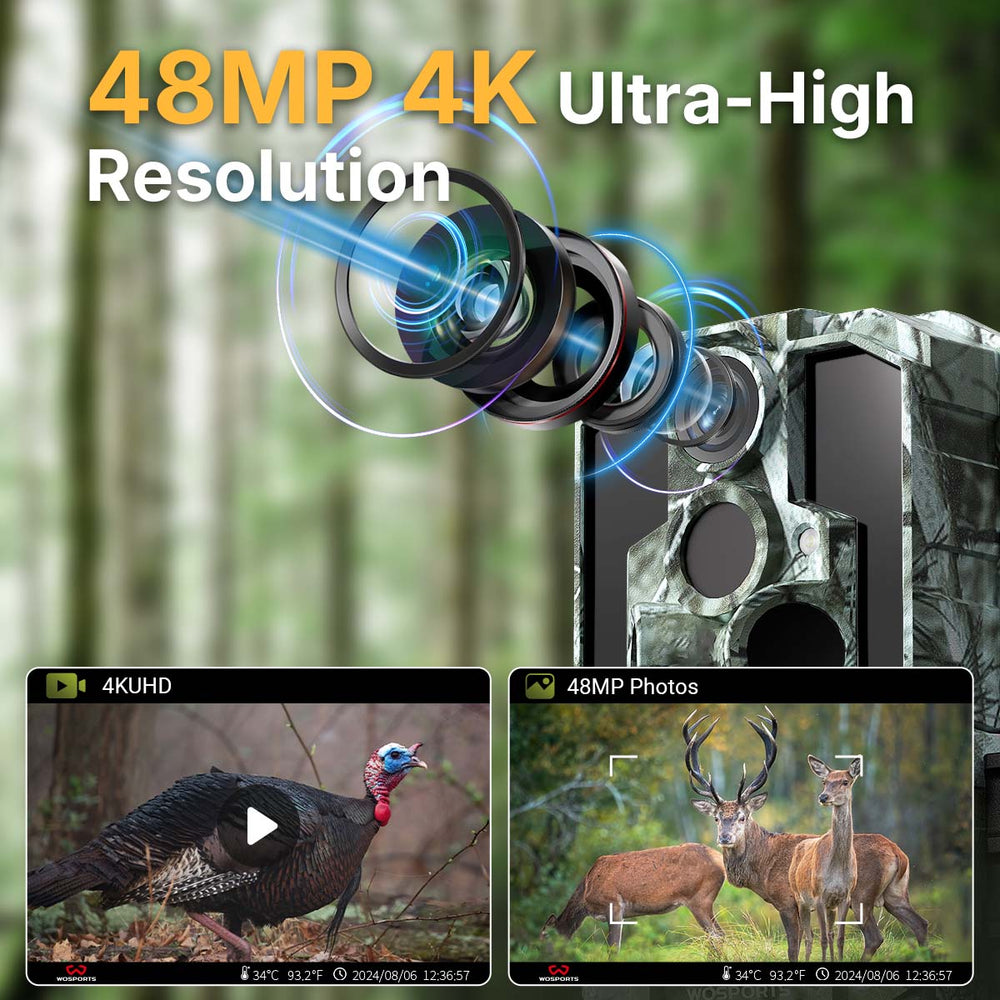
- Video settings: Recording video, especially longer or higher-resolution clips, generally uses more power than taking still photos.
- Nighttime activity: Night recording may require the camera’s infrared LEDs, which consume additional power.
- Temperature: Cold weather can reduce battery performance, particularly with some battery chemistries.
- Battery quality and condition: Fresh, high-quality batteries tend to provide more reliable performance than old or mixed batteries.
- Camera settings: Short delays between triggers, frequent time-lapse captures, and other active features can increase power use.
For the most useful estimate, check the manufacturer’s guidance for your specific camera and monitor how long a set of batteries lasts in your actual location.
7 Factors That Affect Trail Camera Battery Life
1. How Often the Camera Is Triggered
Every time the camera detects movement, it may wake up, capture an image or video, and save the file. A camera pointed at a busy trail, feeder, or frequently moving vegetation may trigger repeatedly throughout the day and night.
What to do: Review your camera’s placement and test its detection area. If branches, tall grass, or a busy background are causing unnecessary triggers, reposition the camera or clear the immediate view where appropriate.
2. Photo or Video Mode
Video recording typically uses more power than taking a still photo because the camera must record and save a sequence of frames. Longer clips can increase power consumption further.
What to do: If you do not need video for every detection, consider using photo mode or a shorter video length. Choose the recording mode that best fits what you want to monitor.
3. Nighttime Recording
At night, many trail cameras use infrared illumination to capture images in low light. The camera may also record more nighttime activity than you expect, depending on the location.
What to do: Check whether the camera is recording unnecessary nighttime activity. Adjust sensitivity, placement, or the delay between captures if your model provides those options.
4. Temperature and Weather
Cold temperatures can affect how efficiently batteries deliver power. Hot conditions can also put stress on batteries and electronics, especially if the camera is exposed to direct sunlight for long periods.
What to do: Use batteries recommended by the camera manufacturer and suitable for the expected temperature range. Install the camera in a stable, appropriate location and avoid leaving it in direct, intense sunlight when possible.
5. Battery Type and Quality
Not all batteries perform the same way. Different chemistries have different characteristics, and some are better suited to cold weather or devices with intermittent high-power demands. Rechargeable batteries may also have different voltage and capacity specifications.
What to do: Follow the camera manufacturer’s battery recommendations. Use a fresh set of the same type and brand, and avoid mixing old and new batteries or different battery chemistries.
6. Camera Settings
Settings that increase the frequency or duration of captures can affect runtime. Depending on the model, these may include trigger sensitivity, video length, trigger delay, time-lapse schedules, or repeated capture options.
What to do: Start with the settings you need rather than choosing the most active options by default. If the camera supports adjustable sensitivity and delay, tune them to the location and monitoring goal.
7. Battery Age and Storage
Batteries can lose capacity over time, even when they have not been used. Storing them in very hot or damp conditions may also affect their performance.
What to do: Check expiration dates and store spare batteries according to the manufacturer’s instructions. Keep spares in a dry place with moderate temperatures.
8 Ways to Make Trail Camera Batteries Last Longer
| Tip | Why it helps |
|---|---|
| 1. Aim the camera at the intended detection zone | Helps avoid unnecessary captures from irrelevant movement. |
| 2. Trim or move away from nearby moving vegetation | Reduces false triggers from swaying branches and grass. |
| 3. Adjust motion sensitivity when available | Can help reduce triggers caused by small or distant movement. |
| 4. Use shorter video clips when practical | Reduces the time spent recording each event. |
| 5. Choose photo mode if it meets your needs | Still photos often use less power than video recording. |
| 6. Set a suitable delay between captures | Helps prevent repeated recordings of the same ongoing activity. |
| 7. Use manufacturer-recommended batteries | Helps ensure the camera receives suitable power. |
| 8. Check the camera periodically | Lets you spot excessive triggering, low battery warnings, or other issues early. |
The best settings depend on what you are monitoring. For example, a camera used to observe frequent animal movement may need different settings from one used to check a quiet property boundary.
What Type of Batteries Should You Use?
The right battery depends on the camera’s design and the conditions where you plan to use it. Some cameras are designed for standard AA batteries, while others use rechargeable or external power options.
Before buying batteries, check:
- The required battery size and number.
- Which battery chemistries the camera supports.
- Whether rechargeable batteries are permitted by the manufacturer.
- Any temperature-related recommendations.
- Whether the camera supports an external power source or solar accessory.
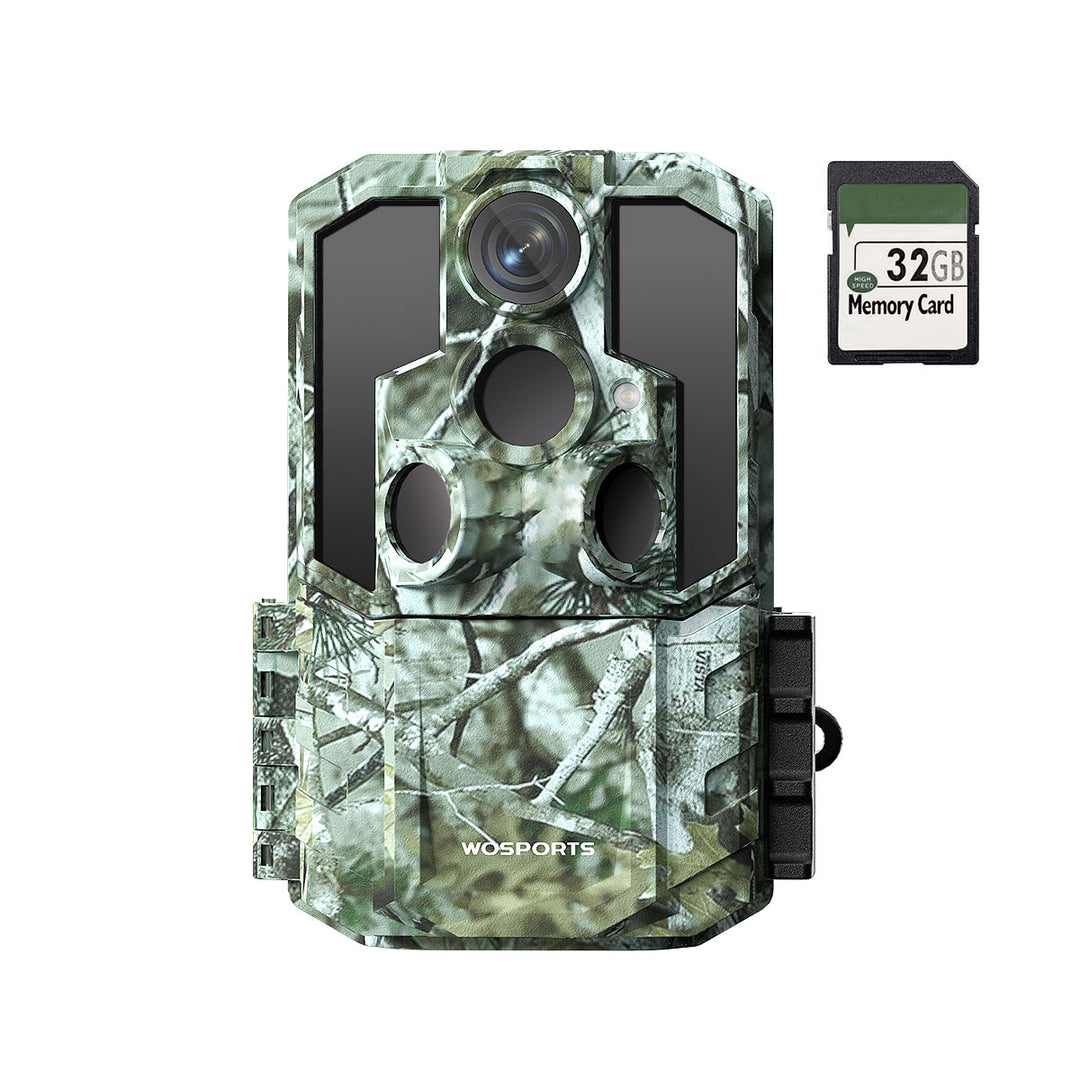
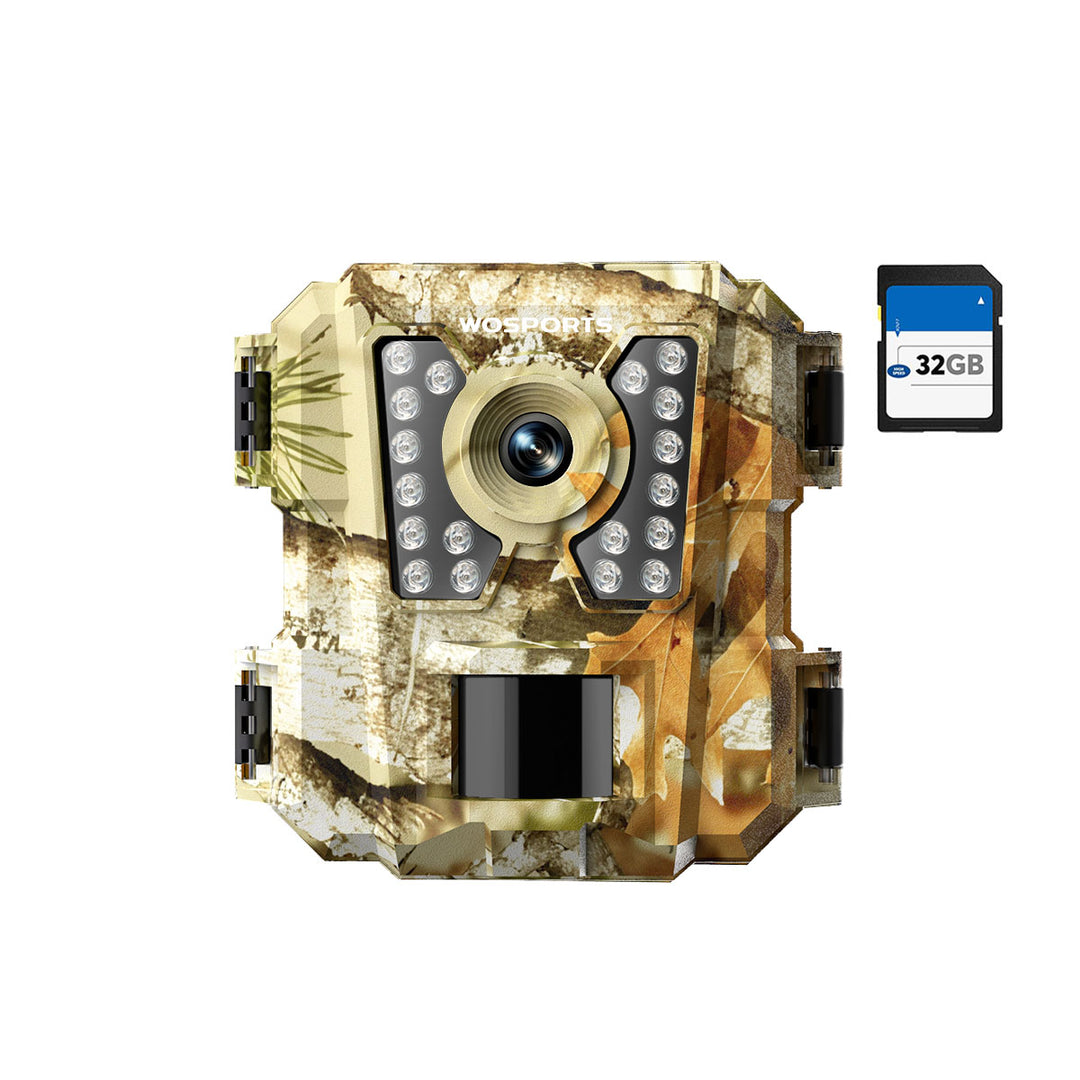
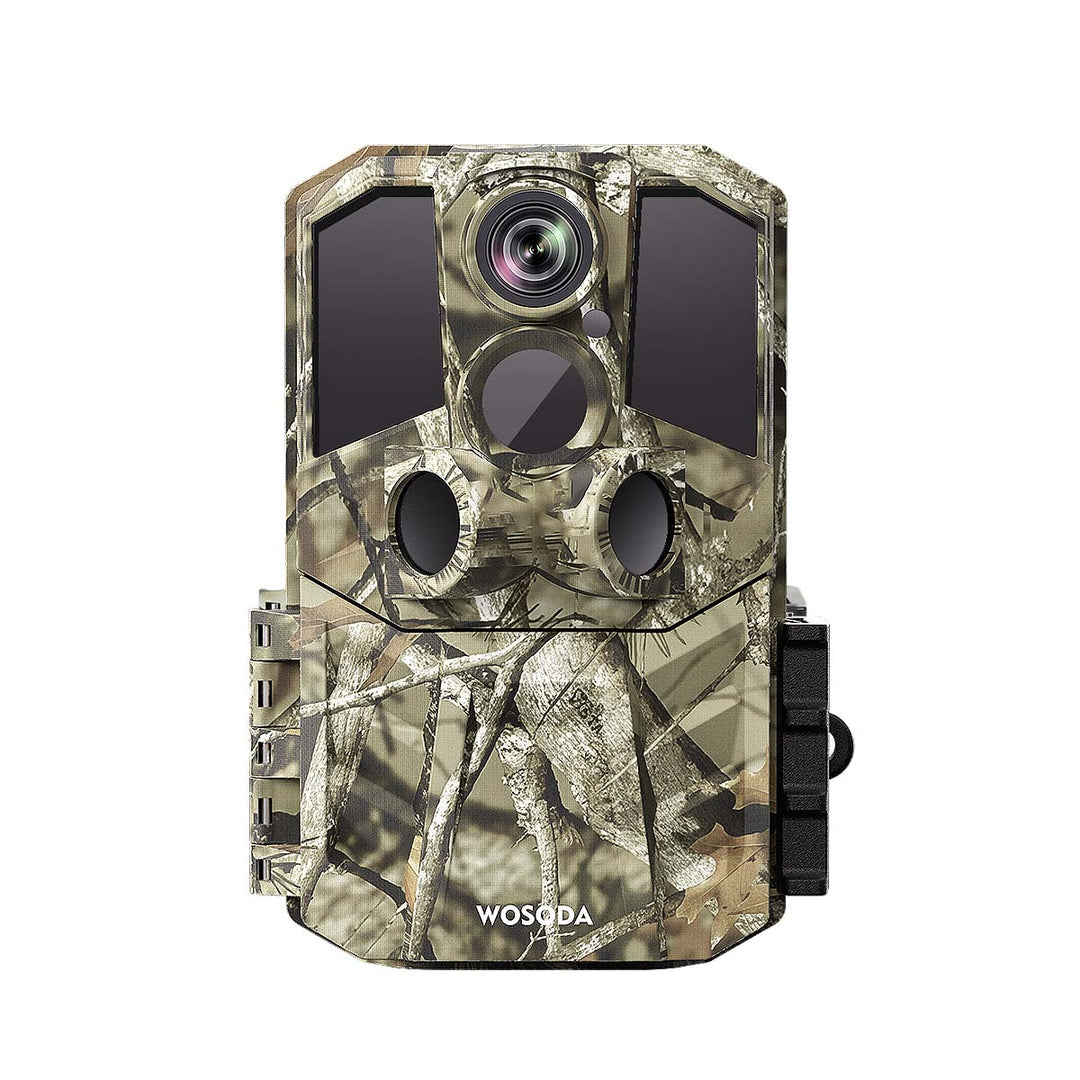
For example, the WOSPORTS G600 Trail Camera uses eight AA batteries. Always refer to the instructions for your particular camera before selecting a battery type or accessory.
How Can You Tell What Is Draining Your Batteries?
If battery life is shorter than expected, look for patterns rather than immediately assuming the camera is defective.
- Check the number of captures. A large number of photos or videos may explain the faster power use.
- Review the recording mode. Long or frequent video recordings can increase consumption.
- Inspect the camera’s view. Moving vegetation or repeated motion in the detection zone may cause frequent triggers.
- Check the weather. Recent cold spells or extreme heat may affect performance.
- Confirm the batteries are fresh and compatible. Replace mixed, old, or questionable batteries with a fresh matching set.
- Review the settings. Check sensitivity, video length, delay, and time-lapse options if your camera has them.
If the camera continues to drain batteries unusually quickly after you have checked these factors, consult the manufacturer’s troubleshooting guidance or customer support.
Should You Use a Solar Panel With a Trail Camera?
Some trail cameras support external power accessories, including compatible solar panels. These can reduce how often you need to replace or recharge batteries, but compatibility is model-specific.
Before using a solar panel, confirm that:
- Your camera supports the accessory.
- The panel’s output and connector match the camera’s requirements.
- The panel can receive sufficient sunlight at the installation site.
- You understand whether internal batteries are still required as backup power.
Do not assume that a solar panel will work with every trail camera. Check the product manual or manufacturer’s specifications first.
Frequently Asked Questions
Do trail cameras use more battery power at night?
They can. Many models use infrared LEDs to illuminate nighttime scenes, and recording nighttime video may require more power than taking occasional daytime photos. Actual consumption varies by camera and settings.
Does video drain trail camera batteries faster than photos?
Generally, video recording uses more power than still photography because the camera records for a longer period. Longer clips and frequent video triggers can increase power use.
Why do my trail camera batteries die so quickly?
Common reasons include frequent triggers, long video clips, nighttime recording, cold weather, unsuitable or aging batteries, and settings that cause repeated captures. Check the capture count and settings to help identify the cause.
Should I remove batteries when I’m not using my trail camera?
Follow the manufacturer’s storage instructions. If you are storing the camera for an extended period, removing the batteries may help prevent damage from potential battery leakage.
Can I use rechargeable batteries in my trail camera?
Only if the manufacturer says your model supports them. Rechargeable batteries may have different voltage and performance characteristics from disposable batteries, so check the camera’s requirements before use.
Final Takeaway
Trail camera battery life depends on how often the camera records, the settings you choose, the weather, and the batteries themselves. To get more time between battery changes, reduce unnecessary triggers, use practical recording settings, and choose batteries that meet your camera’s specifications.
A little setup and occasional maintenance can help your camera stay ready to capture the wildlife activity you want to see.
Search
Popular Posts
Recent Posts


Nov 28, 2024
Troubleshooting Common Trail Camera Issues
Jan 10, 2025
Why Does My Trail Camera Stop Working at Night?