How to Use a Golf Rangefinder: Beginner’s Guide
If you’re new to golf or just starting to use a laser rangefinder on the course, you might be wondering how to make the most of it. A rangefinder is a simple tool that can help you measure the exact distance to targets like the flagstick, hazards, or other landmarks—so you can choose the right club and improve your accuracy. In this guide, we’ll walk you through everything you need to know, step by step.
1. What Is a Golf Rangefinder?
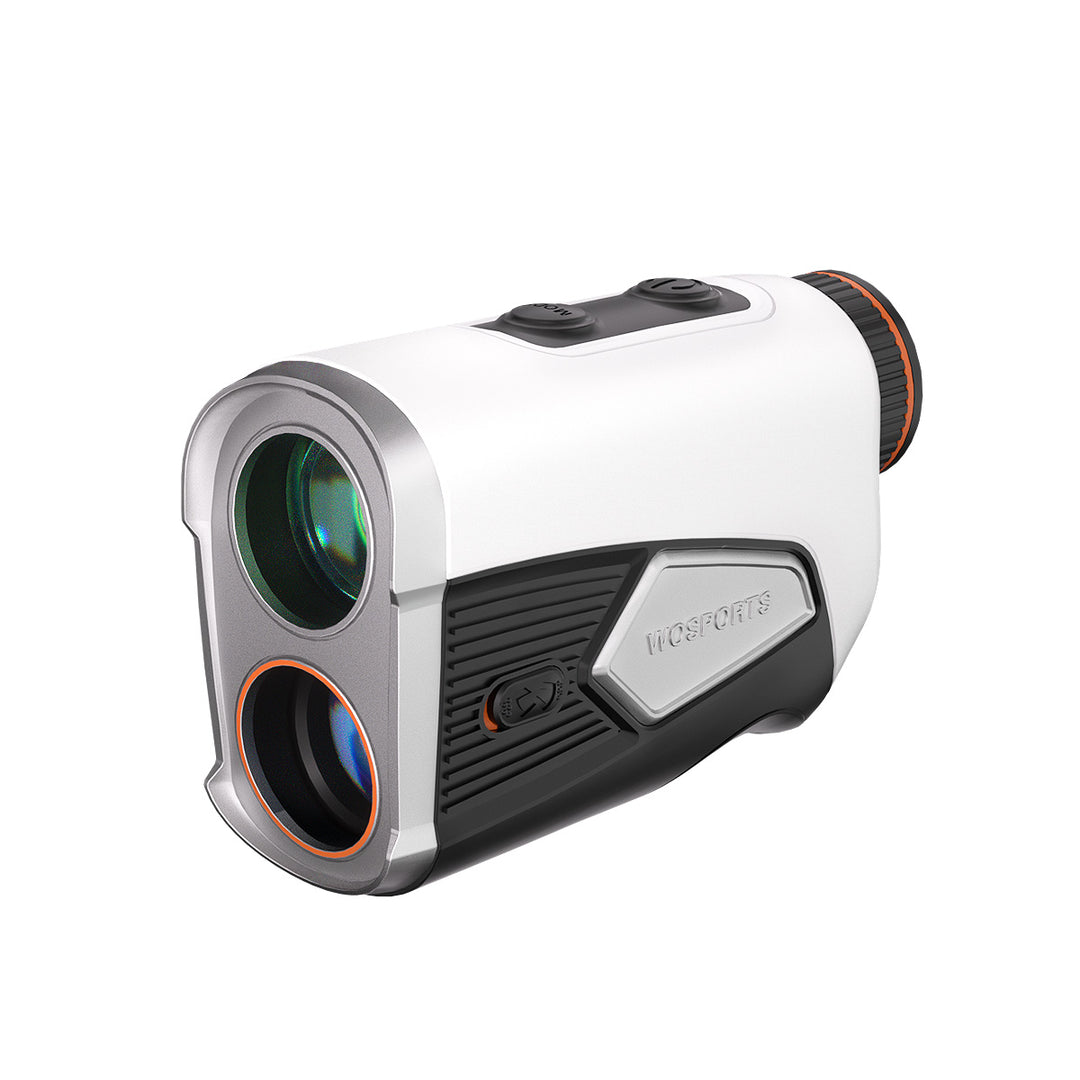
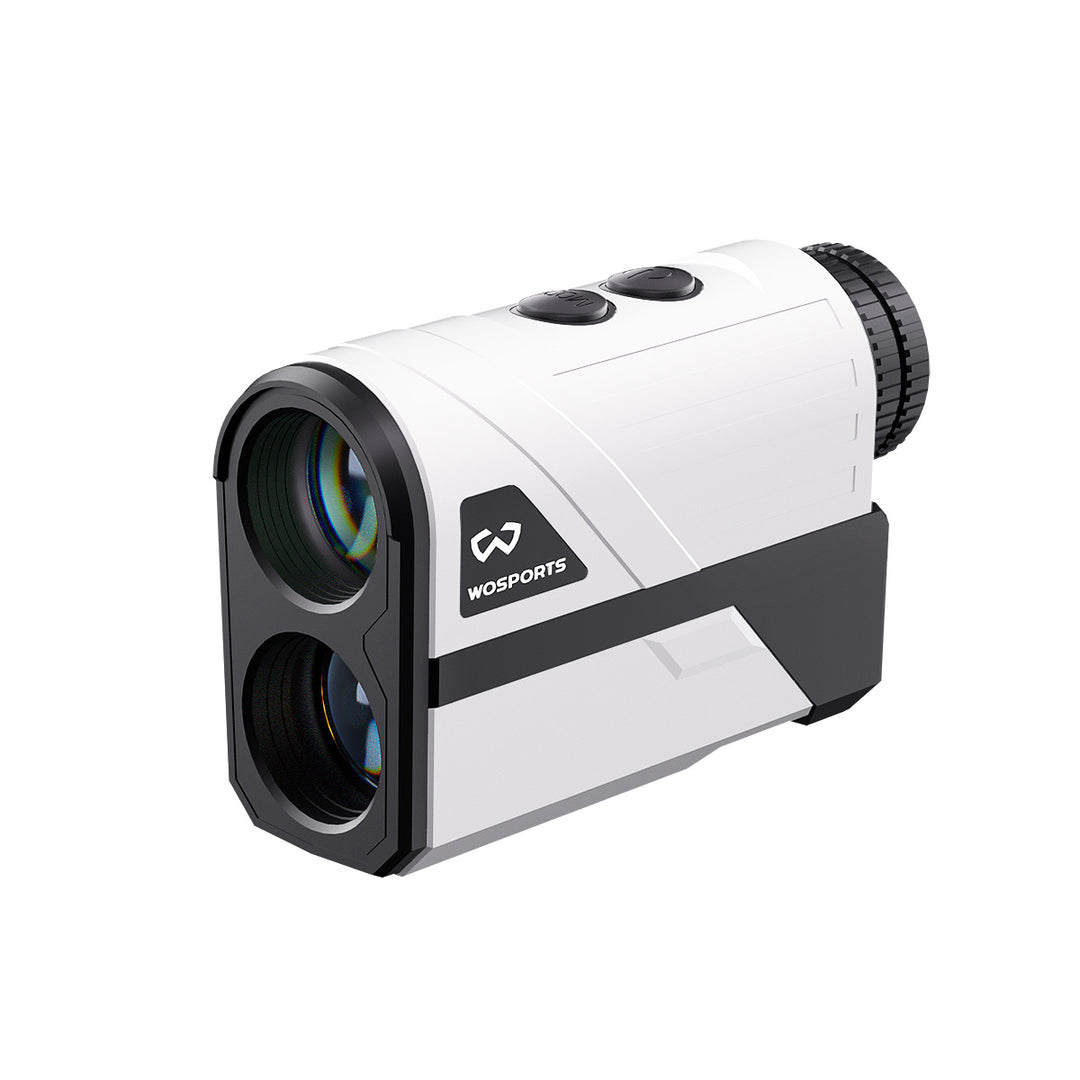
A golf rangefinder is a handheld device that uses a laser to measure the distance from you to a specific point on the golf course. Unlike GPS watches or course markers, a rangefinder gives you real-time, precise yardage, which is especially helpful for approach shots and tricky lies.
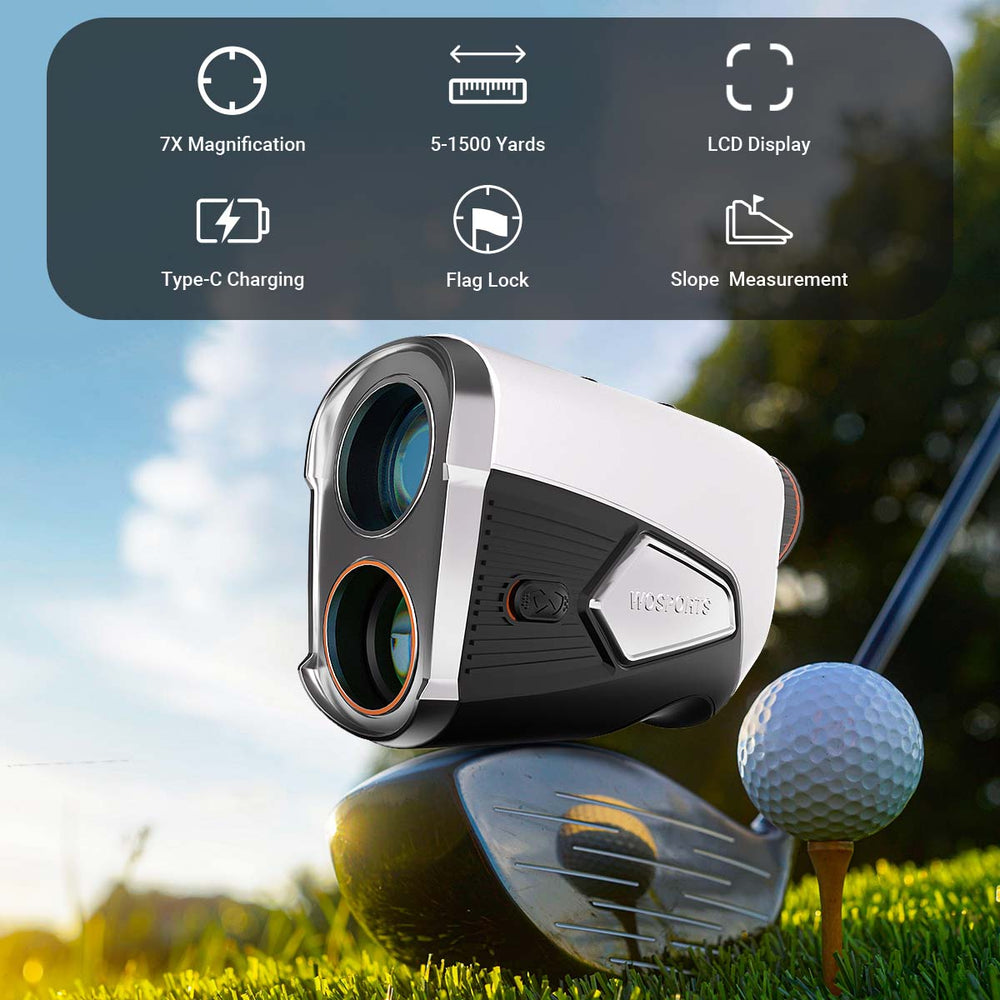
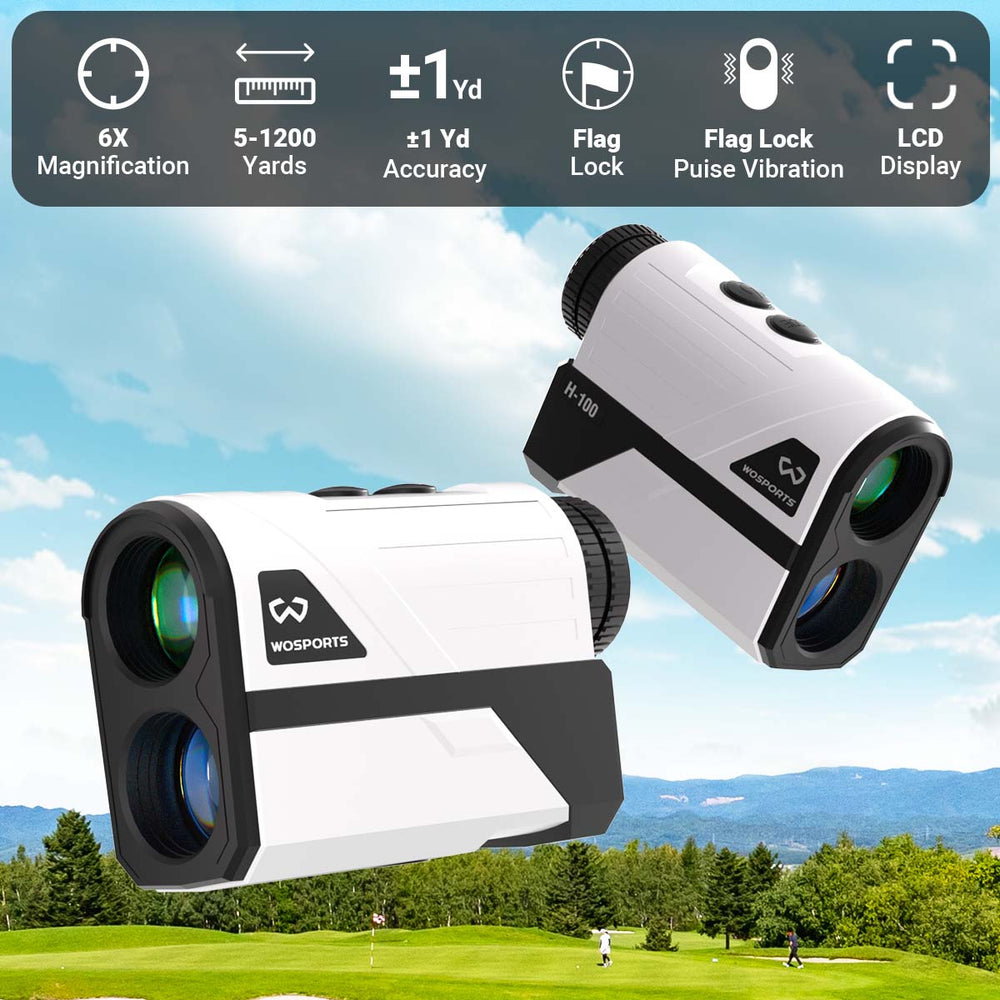
One great example is the WOSPORTS L14 Golf Rangefinder, which offers:
-
Distance range from 5 to 1500 yards with ±1 yard accuracy
-
7x optical magnification for clear viewing
-
High-definition LCD display that’s easy to read
-
Target lock and vibration feedback
-
Slope compensation option
-
Rechargeable design that lasts thousands of measurements
These features help beginners get consistent results on every shot.
2. Step-by-Step: How to Use Your Rangefinder
Here’s an easy way to start using your rangefinder on the golf course:
Step 1 – Power It On
Turn on your rangefinder before you start your round. Make sure the battery is charged. With a rechargeable model like the L14, you can make thousands of measurements on a single charge without worrying about replacing batteries.
Step 2 – Aim at Your Target
Hold the rangefinder up and look through the viewfinder. Pick a target like the flagstick, bunker edge, or a tree. Aim the crosshair at that point and keep your hand steady as you align the viewfinder.
Step 3 – Press the Measure Button
Once you’re aimed at the target, press the button to measure. The distance will appear instantly on the screen. The target lock feature and vibration feedback help confirm that you’ve locked onto the correct point—especially useful when trees or hazards are behind the flag.
Step 4 – Read the Distance
The measurement will show up clearly on the high-definition screen. Use this distance to decide which club to hit. For example, if the flag is 130 yards away, you might choose an 8-iron. If it’s 200 yards, you may select a 5-iron or hybrid.
3. Helpful Tips for Beginners
🔹 Keep It Steady
Hold the rangefinder with both hands or rest your elbow against your body so the laser stays steady. This improves accuracy.
🔹 Practice Aiming
Practice aiming at closer targets first (like 100–200 yards) before trying longer distances. The more you practice, the faster and more accurate you’ll become.
🔹 Understand Slope
If your rangefinder has slope compensation, it can estimate the effective distance on uphill or downhill shots. This helps you adjust your club selection. Just remember that slope features are sometimes not allowed in official tournaments, so you can turn them off if needed.
🔹 Switch Units if Needed
Most rangefinders let you change between yards, meters, or feet. Be sure it’s set to the unit you prefer before your round.
4. Common Mistakes to Avoid
✔ Don’t forget to check the battery level before your round – a dead battery means no measurements.
✔ Avoid aiming at things behind the flag, like trees, because the laser might lock onto them instead of the flag.
✔ Don’t rely only on numbers—also consider wind, lie, and your own shot tendencies when choosing a club.
5. Final Thoughts
Using a golf rangefinder like the WOSPORTS L14 can make your game more confident and consistent. As you get familiar with aiming and reading distances, you’ll make smarter club choices and improve your scores.
Whether you’re playing a casual round with friends or practicing on the range, learning to use your rangefinder effectively is one of the quickest ways to take your golf skills to the next level.
Search
Popular Posts
Recent Posts


Nov 28, 2024
Troubleshooting Common Trail Camera Issues
Jan 10, 2025
Why Does My Trail Camera Stop Working at Night?