How to Use a Trail Camera for Deer Scouting Before Hunting Season
A trail camera can help you understand deer movement, identify frequently used travel routes, and monitor changes in wildlife activity before hunting season. By collecting photos and videos over time, you can learn when deer visit an area, how they move through the landscape, and which locations may deserve closer observation.
The key is to use your trail camera strategically. Choosing the right location, using practical settings, and reviewing images consistently will usually provide more useful information than simply placing a camera in the woods and waiting.
This guide explains how to use a trail camera for deer scouting before hunting season, from choosing camera locations to interpreting the footage.
1. Start Scouting Before Hunting Season
Setting up trail cameras before the season gives you time to establish a baseline of deer activity. Instead of relying on a single photograph, you can compare observations across multiple days or weeks.
Early scouting can help you:
-
Identify frequently used deer trails.
-
Observe when deer pass through specific areas.
-
Learn which locations receive consistent wildlife activity.
-
Monitor changes in movement as weather, vegetation, and seasonal conditions change.
-
Identify areas that may warrant further observation.
The best scouting timeline depends on local hunting regulations, property access, habitat conditions, and your objectives. Always follow applicable laws regarding trail cameras, wildlife disturbance, and the use of electronic devices during hunting seasons.
2. Choose the Right Trail Camera Locations
Camera placement has a major impact on the usefulness of your scouting data. Look for locations that provide a clear view of areas where deer are likely to travel or pause.
Deer trails and travel corridors
Established trails can reveal how deer move through a property. Place your camera where the trail is clearly visible, and consider the direction from which deer are likely to approach.
Trail intersections
Where multiple trails meet, a camera may capture animals traveling in different directions. Make sure the camera's field of view covers the routes you want to monitor.
Field edges and openings
The edges of fields, meadows, and other open areas can provide useful opportunities to observe deer activity. Position the camera so that the intended monitoring area is visible without excessive background movement.
Natural travel bottlenecks
Terrain features, vegetation patterns, and narrow passages may influence how deer move through an area. A camera can help you determine whether deer actually use a suspected travel corridor.
Practical tip: Start with a small number of well-chosen locations. Reviewing a few cameras carefully can be more useful than collecting large amounts of footage from poorly positioned cameras.
3. Set Your Camera Height and Angle
There is no single mounting height that works for every situation. The right position depends on terrain, vegetation, the camera's detection zone, and the size of the animals you want to photograph.
For deer scouting:
-
Aim the camera toward the expected travel route.
-
Keep the main area of interest within the center of the frame.
-
Avoid placing moving branches or tall grass directly in front of the sensor.
-
Secure the camera to a stable tree or mounting point.
-
Check the image preview before leaving the location, if your model supports it.
A camera aimed directly along a trail may provide a different view from one positioned across it. Test both the framing and detection coverage to see which works better for your location.
4. Choose the Best Trail Camera Settings for Deer
Your settings should match the information you want to collect. For general deer scouting, still photos are a practical starting point. Video can provide more context when you want to observe movement or behavior.
| Setting | Recommended starting approach | Why it matters |
|---|---|---|
| Capture mode | Photo mode | Helps document presence and activity while managing storage. |
| Photo resolution | High enough for useful detail | Helps you review visible characteristics and the number of animals. |
| Motion sensitivity | Start at a moderate level | Balances useful detections against unnecessary captures. |
| Trigger delay | Choose a practical interval for the location | Helps manage repeated captures of the same animal. |
| Video length | Use short clips initially | Provides movement context while limiting file size. |
| Time-lapse | Use only when needed | Captures images on a schedule rather than relying solely on motion detection. |
These are general starting points, not universal settings. Camera controls vary by manufacturer, so consult your model's manual and adjust based on the results.
For more details, see our guide to the best trail camera settings for deer.
5. Use Photos to Understand Deer Movement
One photograph shows that a deer was present at a particular time. A collection of photographs can reveal broader patterns.
When reviewing your captures, pay attention to:
Time stamps: Record when deer appear at each location. Over time, you may notice recurring activity periods, although these patterns can change with weather, human activity, and seasonal conditions.
Direction of travel: Note whether deer are moving into or out of the area, and whether they use the same route repeatedly.
Frequency of visits: Compare how often deer appear at different camera locations. Repeated detections can help distinguish regularly used areas from locations with only occasional activity.
Group size: Observe whether deer appear alone or in groups, and whether the pattern changes over time.
Environmental conditions: Record relevant weather changes, vegetation conditions, and disturbances that may help explain differences in activity.
Avoid drawing strong conclusions from one or two captures. Look for repeated observations across several days before treating a pattern as meaningful.
6. Look for Changes Throughout the Season
Deer movement is not fixed. Their activity can change as vegetation changes, food availability shifts, weather conditions vary, and breeding behavior develops.
Rather than assuming deer will use the same location throughout the season, compare your observations over time.
For example:
-
A location with frequent early-season activity may become quieter later.
-
Deer may change their travel routes as crops are harvested or vegetation becomes less dense.
-
Colder weather may coincide with changes in movement, but the effect varies by location and conditions.
-
Activity around a particular food source may change as its availability changes.
Use these observations to update your understanding of the property instead of relying on a fixed scouting plan.
7. Keep a Simple Trail Camera Scouting Log
A scouting log makes it easier to compare locations and identify patterns. You do not need complicated software; a spreadsheet or notebook is often enough.
Consider recording the following information:
| Information | What to record |
|---|---|
| Camera location | A location name or private reference code |
| Installation date | When the camera was placed |
| Capture date and time | When each relevant observation occurred |
| Deer activity | Number of animals and observed movement |
| Weather | Relevant conditions, when known |
| Camera settings | Photo/video mode, sensitivity, and delay |
| Notes | Changes in the environment or possible disturbances |
After reviewing the footage, summarize the main findings for each location. This helps you compare cameras without having to rewatch every clip.
Keep location records private when necessary, particularly when scouting on shared or public land.
8. Check Your Cameras Without Disturbing the Area Unnecessarily
Frequent visits can create additional human activity around a camera location. Depending on the property and conditions, that activity may influence wildlife movement or simply make camera maintenance less efficient.
Plan inspections around your needs rather than checking every camera unnecessarily.
When visiting a camera:
-
Confirm that it is mounted securely.
-
Check battery status and available storage.
-
Review the camera's condition and lens cleanliness.
-
Make only necessary adjustments.
-
Follow property rules and avoid damaging vegetation or habitat.
If your camera stores images on an SD card, make sure you have a reliable process for reviewing and backing up the files. Non-cellular cameras require you to access the camera or its storage media to retrieve footage.
9. Choose a Trail Camera That Fits Your Scouting Needs
The best trail camera for deer scouting is not necessarily the model with the largest number of advertised features. Consider how you plan to use it and the conditions where it will be installed.
Image and video quality
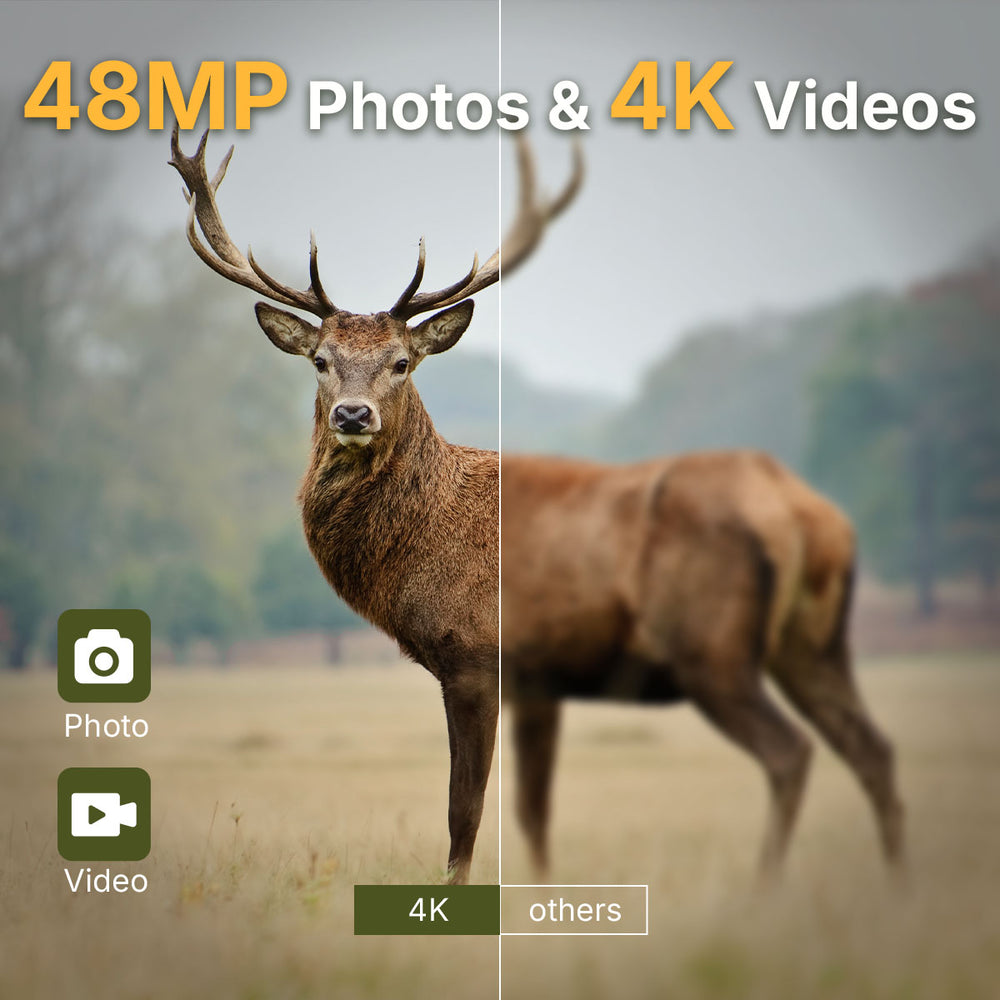
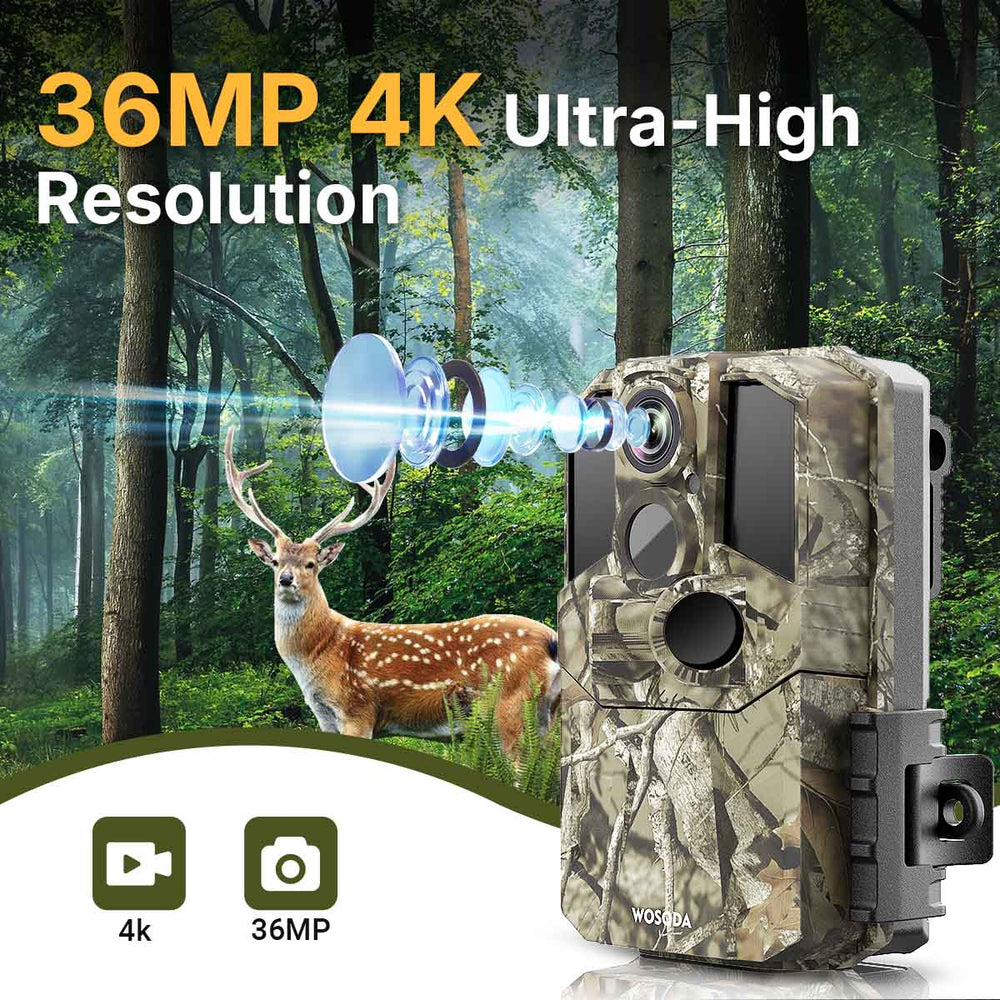
Clear images make it easier to review animal activity and distinguish details. Higher advertised resolution can be useful, but lighting, distance, movement, and sensor performance also affect image quality.
Trigger speed
A fast trigger can help capture animals moving through the detection zone before they leave the frame. Trigger speed is only one factor, however; detection coverage and camera placement also matter.
Nighttime performance
If deer may pass through the area after dark, consider how the camera captures nighttime images and whether its infrared system suits your needs.
Weather protection
Outdoor cameras need protection appropriate for the conditions in which they will operate. Check the manufacturer's weather-resistance rating and installation recommendations.
Battery life and storage
Consider how often you can visit the camera and how much activity you expect. Frequent recordings and longer videos can increase power use and storage requirements.
Connectivity and file access
Decide whether you prefer a cellular camera that can transmit images remotely or a non-cellular camera that stores files locally. A non-cellular model may suit locations where you prefer local storage and do not need remote notifications.
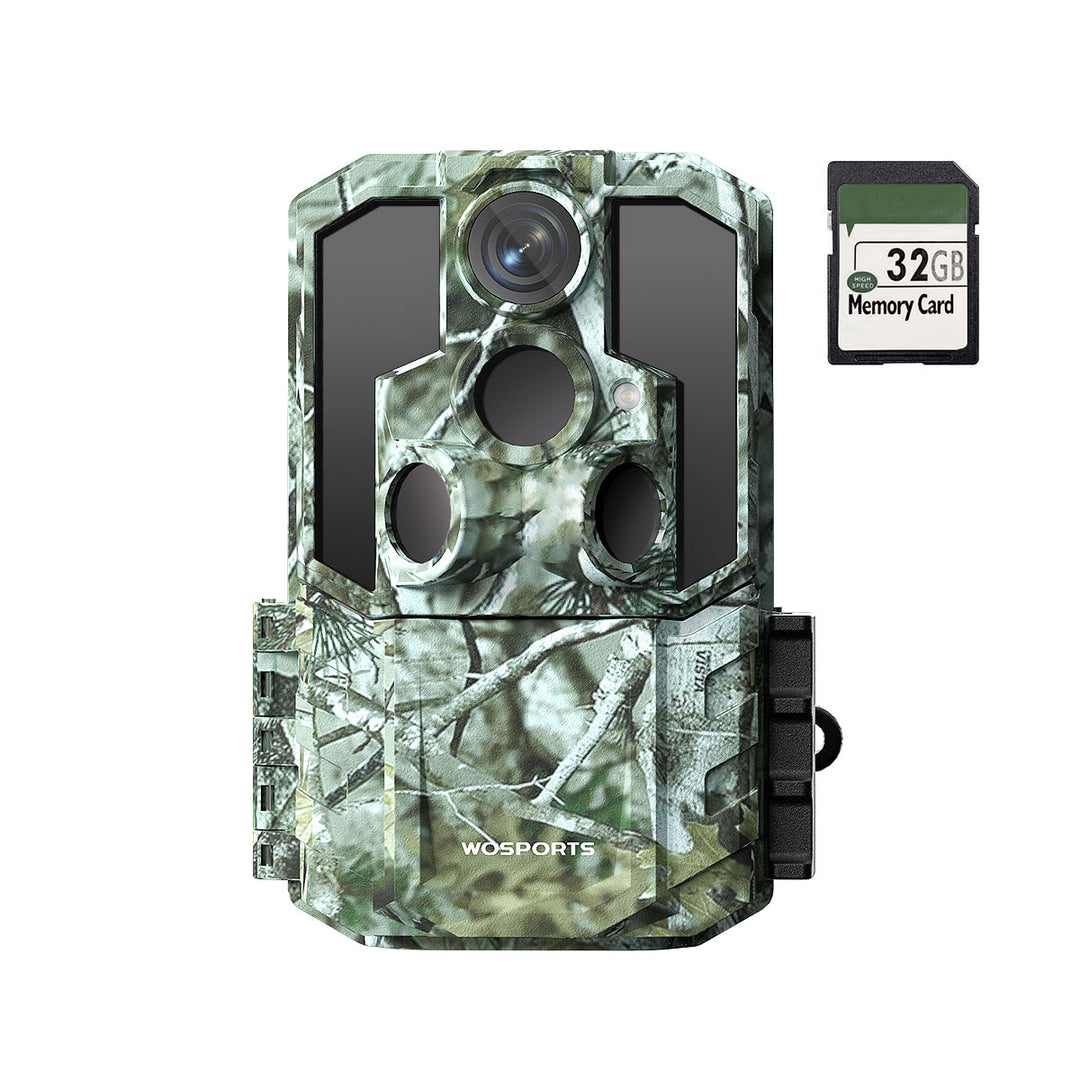
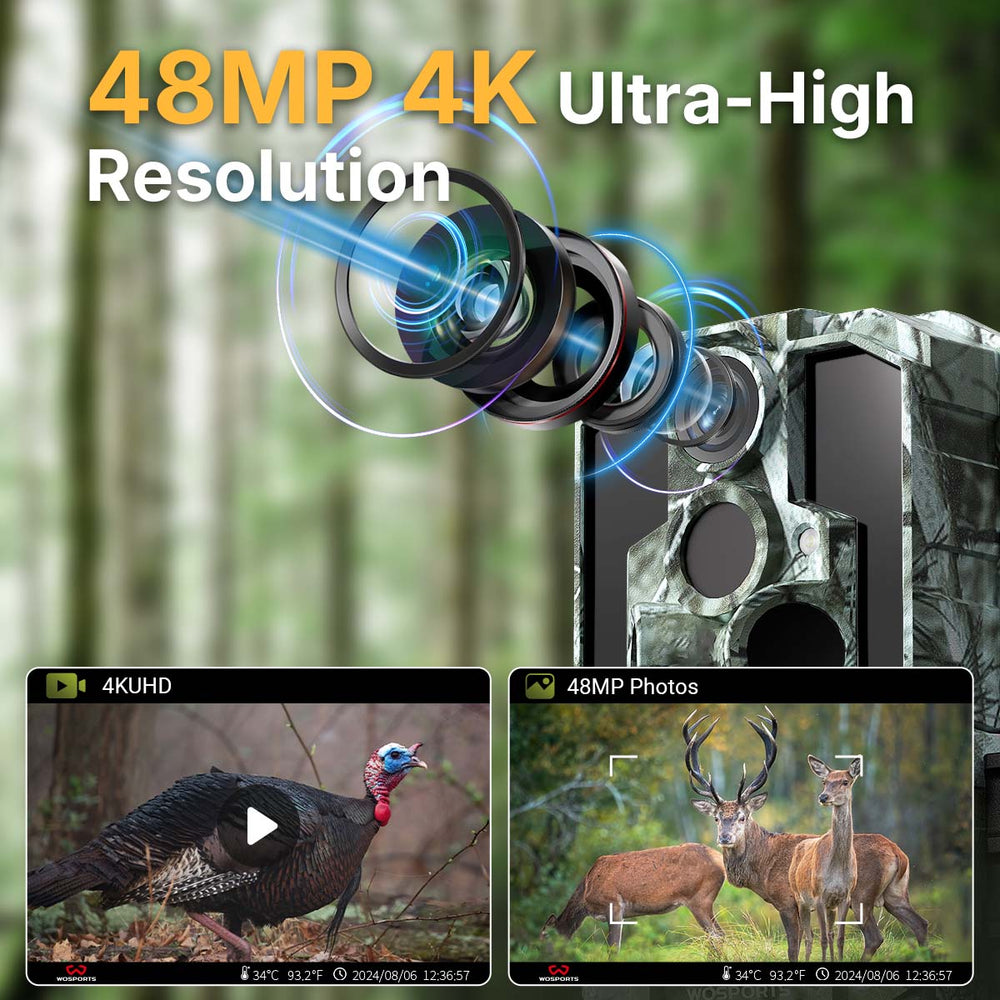
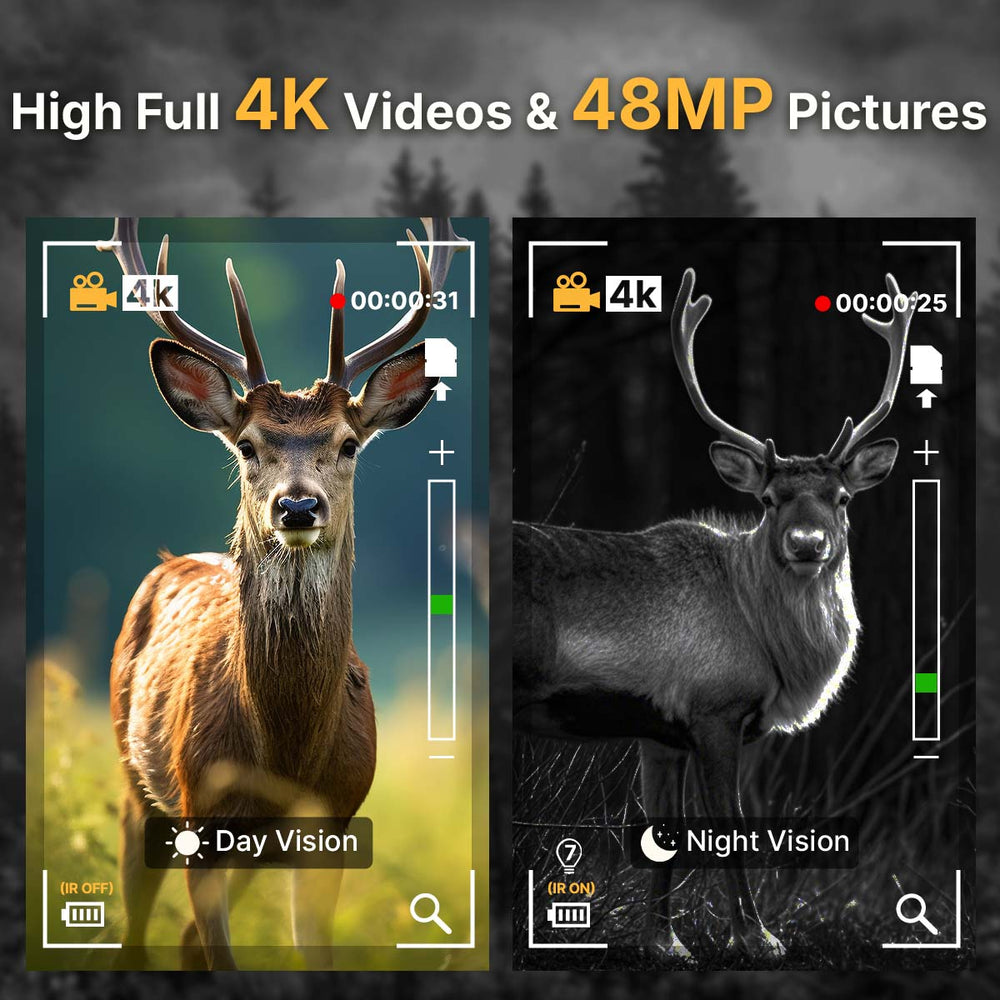
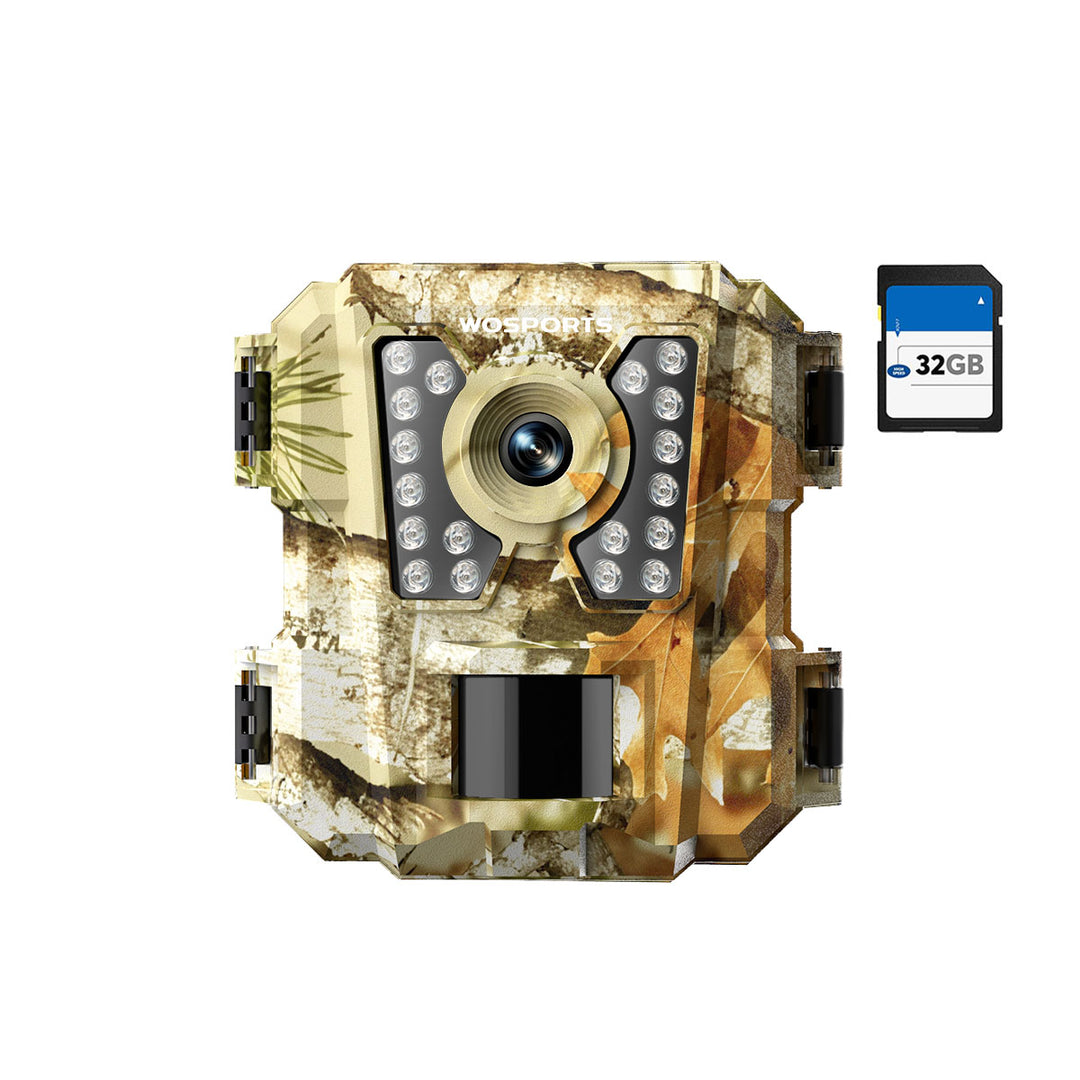
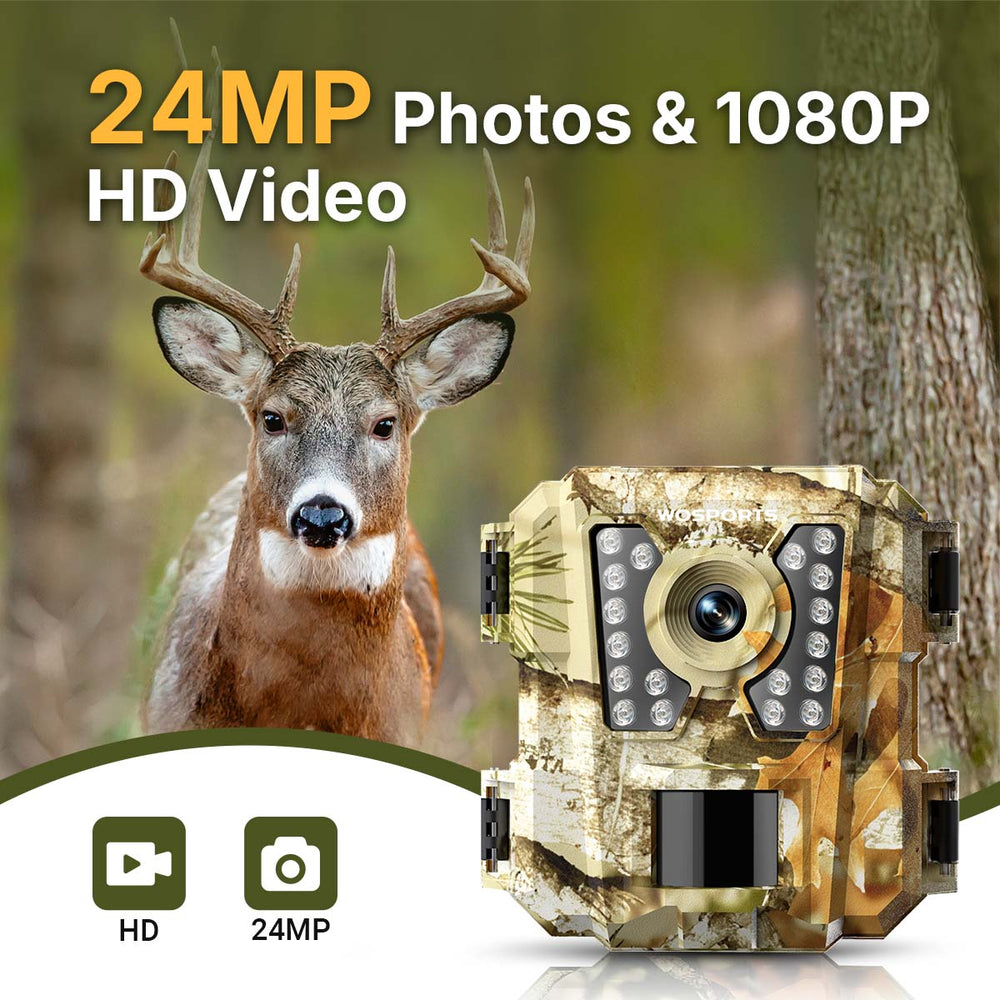
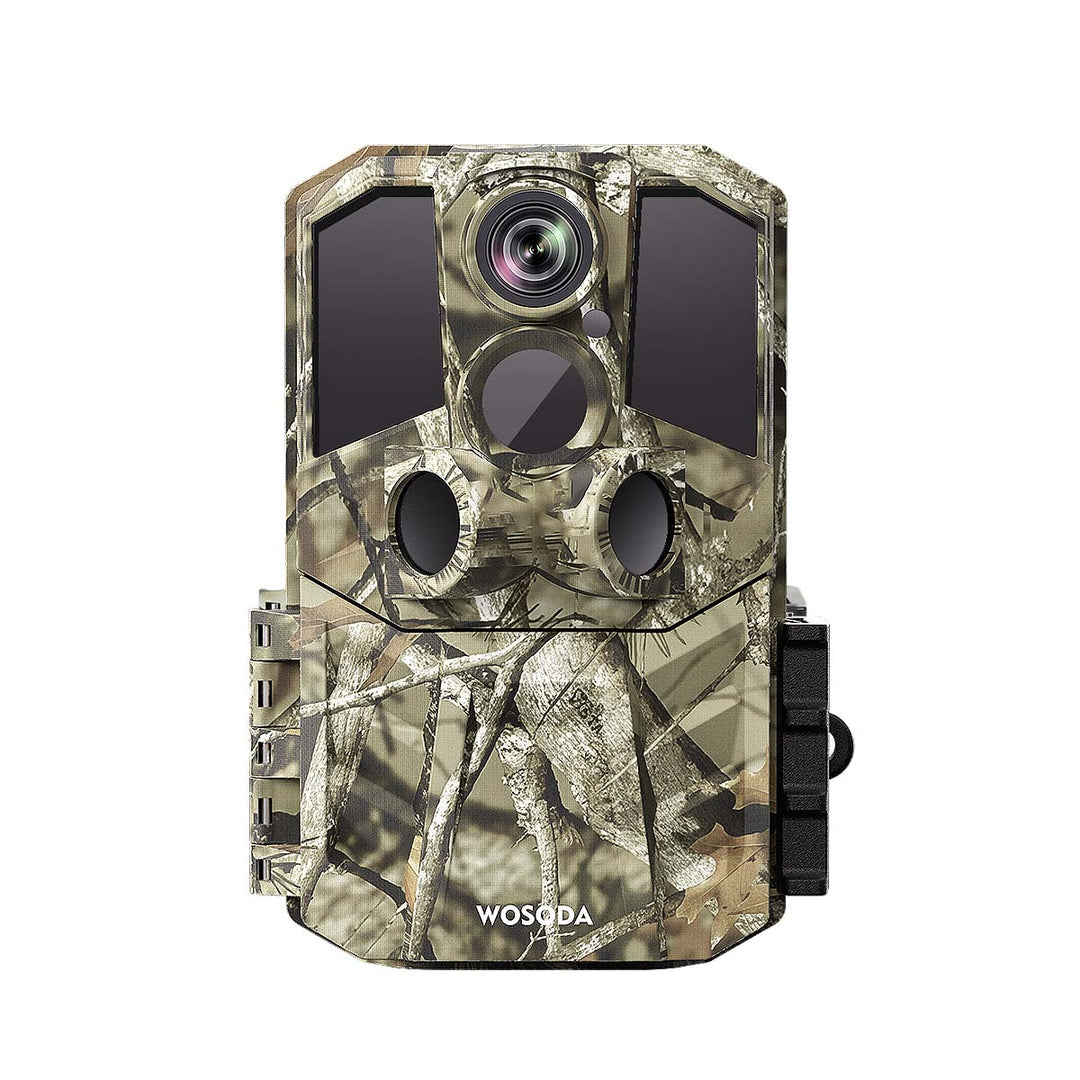
For example, the WOSPORTS G600 Trail Camera offers 48MP photos, 4K video, a 0.2-second trigger, and IP66 weather protection. It is a non-cellular camera that stores footage locally on an SD card, so you retrieve images directly from the camera or card rather than through a mobile app.
Explore the WOSPORTS G600 Trail Camera to review its features and specifications.
10. Common Trail Camera Scouting Mistakes to Avoid
Relying on a single photograph
One image does not establish a reliable movement pattern. Review multiple observations over time.
Placing cameras without a clear objective
Before installing a camera, decide what you want to learn from that location. A camera intended to monitor a travel route may need different placement from one used to observe a broad clearing.
Ignoring false triggers
Wind-blown vegetation and other background movement can produce empty images. Check the camera's view and settings when this happens.
Making too many changes at once
If you change placement, sensitivity, and trigger delay simultaneously, it becomes difficult to determine what improved the results. Adjust one variable at a time when practical.
Assuming last week's pattern will continue
Wildlife behavior changes. Revisit your conclusions as conditions change and avoid treating previous observations as guarantees of future movement.
Overlooking local rules
Trail camera regulations differ across jurisdictions and may vary by land type and season. Check current regulations before placing or using cameras, especially on public land.
Frequently Asked Questions
When should I put out trail cameras before deer season?
The ideal timing depends on your local season, habitat, access rules, and scouting goals. Installing cameras early enough to collect observations over time gives you more context than relying on a few last-minute images. Check applicable regulations before deployment.
How many trail cameras do I need for deer scouting?
There is no fixed number. Start with a manageable number of cameras placed at locations that answer specific scouting questions. Add more only when additional coverage will provide useful information.
How often should I check my deer trail cameras?
Check them as often as needed to maintain reliable operation and review the footage, while considering access conditions, battery life, storage capacity, and potential disturbance. Some locations require more frequent checks than others.
Are trail cameras useful for scouting at night?
Yes. Cameras with suitable nighttime imaging can document activity after dark. Image clarity depends on the camera's infrared system, distance, settings, and surrounding conditions.
Can a trail camera predict where deer will be during hunting season?
A trail camera can help identify past movement patterns and recurring activity, but it cannot guarantee where deer will be in the future. Wildlife movement changes with season, weather, food availability, and disturbance.
Should I use a cellular or non-cellular trail camera for deer scouting?
A cellular model can transmit images remotely when compatible service is available. A non-cellular model stores images locally and requires you to retrieve them from the camera or storage card. Choose based on connectivity, access, cost, and how often you want to review footage.
Final Takeaway
A trail camera is most useful for deer scouting when it is part of a consistent observation process. Choose locations with a clear purpose, use settings suited to the environment, review time stamps and movement patterns, and update your conclusions as conditions change.
The goal is not simply to collect more photos. It is to turn those photos into a clearer understanding of deer activity while respecting wildlife, property rules, and local regulations.
Search
Popular Posts
Recent Posts


Nov 28, 2024
Troubleshooting Common Trail Camera Issues
Jan 10, 2025
Why Does My Trail Camera Stop Working at Night?