Trail Camera vs. Security Camera: What’s the Difference?
Trail cameras and security cameras both capture images and videos, but they are designed for different purposes. A trail camera is built primarily to monitor wildlife and outdoor activity, while a security camera is designed to help people observe and protect properties, buildings, and entrances.
The main difference is how each camera detects activity, records footage, and lets you access that footage. Trail cameras often use motion-triggered capture and local storage to monitor remote outdoor locations. Security cameras may offer continuous recording, remote viewing, alerts, and integration with a home security system.
Which one should you choose? If you want to observe deer, wildlife, or activity in a remote area without relying on a constant internet connection, a trail camera may be the better fit. If you need live monitoring, security alerts, or ongoing surveillance around your home, a security camera may be more suitable.
Trail Camera vs. Security Camera: Key Differences
| Feature | Trail Camera | Security Camera |
|---|---|---|
| Primary purpose | Wildlife monitoring and outdoor activity scouting | Property surveillance and security |
| Typical installation | Woods, trails, fields, and remote outdoor areas | Homes, driveways, entrances, and buildings |
| Recording style | Commonly motion-triggered photos or videos | May support continuous, scheduled, or motion-triggered recording |
| Connectivity | May use local storage or cellular transmission, depending on the model | Often uses Wi-Fi, Ethernet, or a dedicated security system |
| Storage | Frequently uses an SD card or other local storage | May use a memory card, network video recorder, or cloud storage |
| Live viewing | Usually unavailable on non-connected models | Common on connected models |
| Notifications | Depends on whether the model supports connectivity | Often available through a connected app or security system |
| Nighttime monitoring | Commonly uses infrared illumination for wildlife imaging | May use infrared night vision, visible lighting, or other technologies |
| Power source | Batteries, rechargeable power, or supported external power | Mains power, batteries, Power over Ethernet, or other supported sources |
| Best suited for | Wildlife observation and remote monitoring | Home, business, and property security |
Features vary by product. Some trail cameras support cellular image transmission, and some security cameras can operate locally without cloud services. Always check the individual model's specifications.
1. What Is a Trail Camera?
A trail camera is an outdoor camera designed to record wildlife and other movement in a selected area. It is commonly used by hunters, wildlife enthusiasts, landowners, researchers, and people who want to understand activity on their property.
Many trail cameras use a passive infrared (PIR) sensor to detect changes associated with movement and trigger a photo or video recording.
Common uses include:
-
Monitoring deer and other wildlife.
-
Observing animal activity around trails and fields.
-
Checking remote parts of a property.
-
Recording wildlife at different times of day and night.
-
Gathering footage without having to stay near the camera.
Many models run on batteries and save recordings to a memory card. This makes them useful in locations where mains power or reliable internet access is unavailable.
However, not every trail camera has the same capabilities. Some models transmit images through a cellular network, while non-cellular models require the user to access the camera or remove its storage card to review footage.
2. What Is a Security Camera?
A security camera is designed to help monitor people, vehicles, entrances, and activity around a property or building.
Depending on the model, a security camera may provide:
-
Live video through a mobile app or computer.
-
Motion alerts when activity is detected.
-
Continuous or scheduled recording.
-
Two-way audio.
-
Cloud storage or recording to a local recorder.
-
Integration with alarms, doorbells, or other security equipment.
These features can be valuable when you want to check who is approaching your front door or receive an alert when movement occurs in your driveway.
Security cameras also vary widely. Some are wireless and battery-powered, while others need a constant power source. Some rely on internet connectivity for remote access, while others record locally.
3. Can You Use a Trail Camera as a Security Camera?
Yes, a trail camera can help monitor activity around a remote property, gate, outbuilding, or other outdoor location. Whether it can replace a dedicated security camera depends on what you need to monitor.
A trail camera may be useful if you want to:
-
Record occasional movement in a remote area.
-
Identify whether people or vehicles have passed through a location.
-
Capture evidence of activity when you are not present.
-
Monitor a location without installing a wired power supply.
-
Store footage locally rather than depending on cloud storage.
But there are important limitations.
A non-cellular trail camera generally cannot send an immediate alert to your phone or provide live video over the internet. You must retrieve the footage directly from the camera or its memory card.
If your priority is real-time monitoring, instant notifications, two-way communication, or continuous recording, a dedicated security camera is usually the more appropriate choice.
Important: If you use a trail camera to monitor people, respect privacy expectations, property rights, and applicable recording laws. Avoid placing cameras in private areas where people reasonably expect privacy.
4. Trail Camera vs. Security Camera for Remote Properties
Remote properties can be challenging to monitor because they may lack electricity, internet access, or frequent on-site visits.
The best option depends on whether you need occasional recorded evidence or active security monitoring.
When a trail camera makes sense
A battery-powered trail camera can be useful for observing a remote gate, checking activity along a private access road, or monitoring wildlife around an outbuilding.
A non-cellular model can store footage locally without requiring a Wi-Fi connection or cellular service. The trade-off is that you need physical access to retrieve the recordings.
When a security camera makes sense
A security camera may be a better choice when you need to watch an entrance in real time, receive notifications, or review events quickly from another location.
For a remote site, confirm whether the camera has a reliable power supply and network connection. Some systems support local recording or cellular connectivity, but the available features and ongoing costs vary.
What if the property has no internet?
A non-cellular trail camera can still record motion-triggered images and videos to a memory card. You can retrieve the footage when you visit the site.
Some security cameras can also record locally without internet access, but remote viewing and notifications may be unavailable. Check the manufacturer's requirements before choosing a system.
5. Which Camera Is Better for Nighttime Monitoring?
Both trail cameras and security cameras can record at night, but their nighttime capabilities may be designed around different needs.
Trail cameras commonly use infrared illumination to photograph wildlife in low-light conditions. Depending on the model, they may capture black-and-white nighttime images or offer other low-light imaging modes.
Security cameras may use infrared night vision, white-light illumination, or color night vision. Some models also include spotlights that can illuminate a monitored area.
When comparing nighttime performance, consider:
-
Illumination range: How far the camera can effectively illuminate or record the scene.
-
Image clarity: Whether subjects are distinguishable at the distances you need.
-
Motion detection: How reliably the camera detects activity in the intended area.
-
Lighting conditions: Ambient light, reflections, and nearby surfaces can affect results.
-
Recording behavior: Whether the camera captures short clips, still images, or continuous footage.
Do not compare nighttime range figures without checking how each manufacturer defines and tests them. A stated illumination distance does not guarantee clear images at that distance in every environment.
6. Which Camera Is Better for Wildlife Monitoring?
A trail camera is generally the more natural choice for wildlife monitoring because it is designed around motion-triggered outdoor capture, battery operation, and remote or local placement.
For wildlife scouting, useful features include:
Fast trigger speed: Helps capture animals before they move out of the frame.
Image and video quality: Makes it easier to observe movement and distinguish visible details.
Weather resistance: Helps the camera withstand outdoor conditions within its specified operating limits.
Battery life: Reduces how often you need to visit the camera to replace batteries.
Nighttime imaging: Supports monitoring after dark.
Storage capacity: Determines how many photos and videos can be saved before you need to retrieve or replace the storage card.
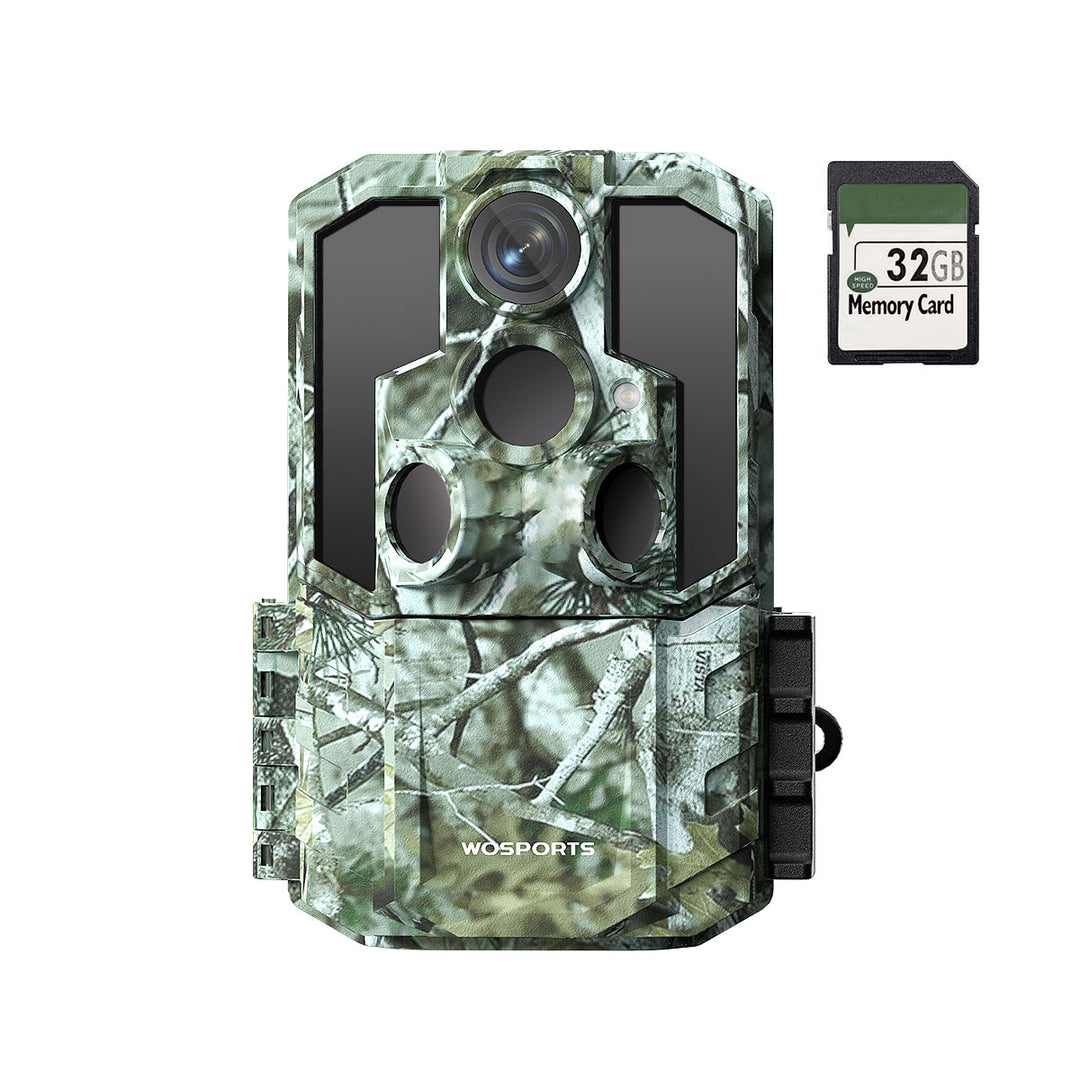
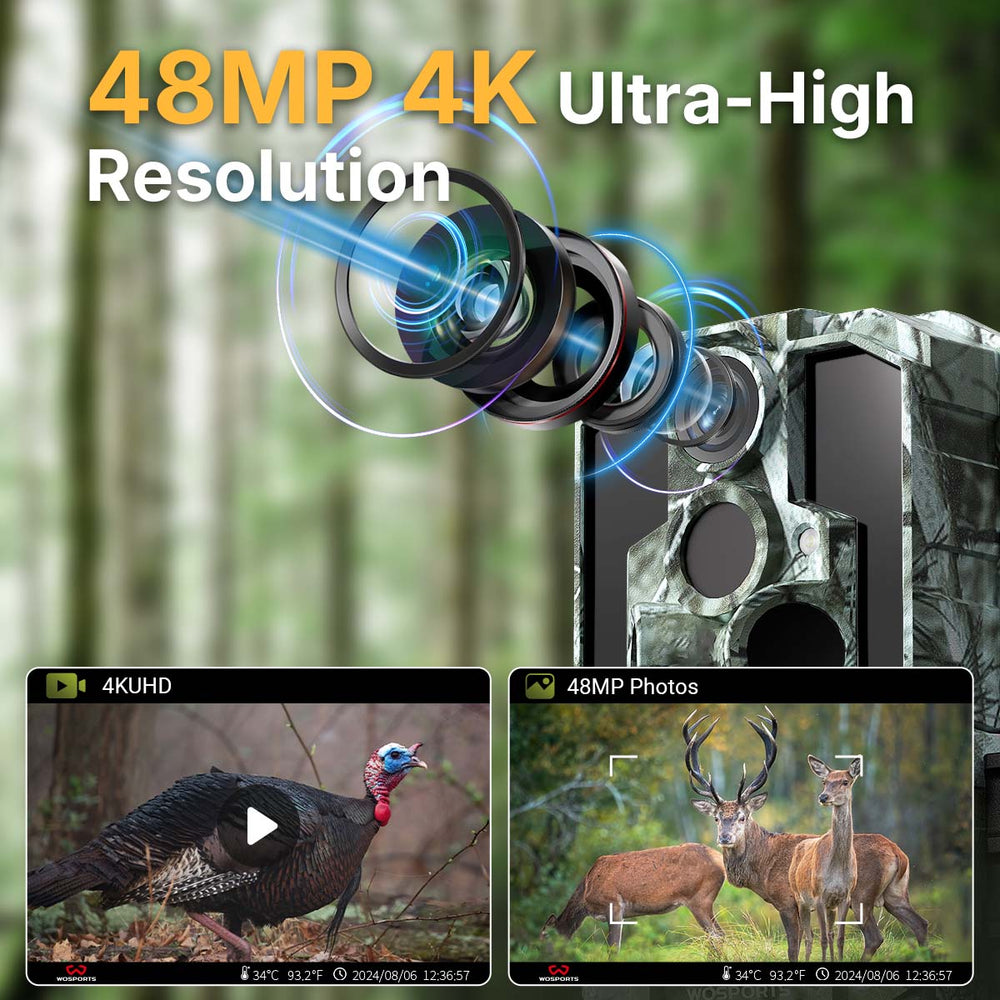
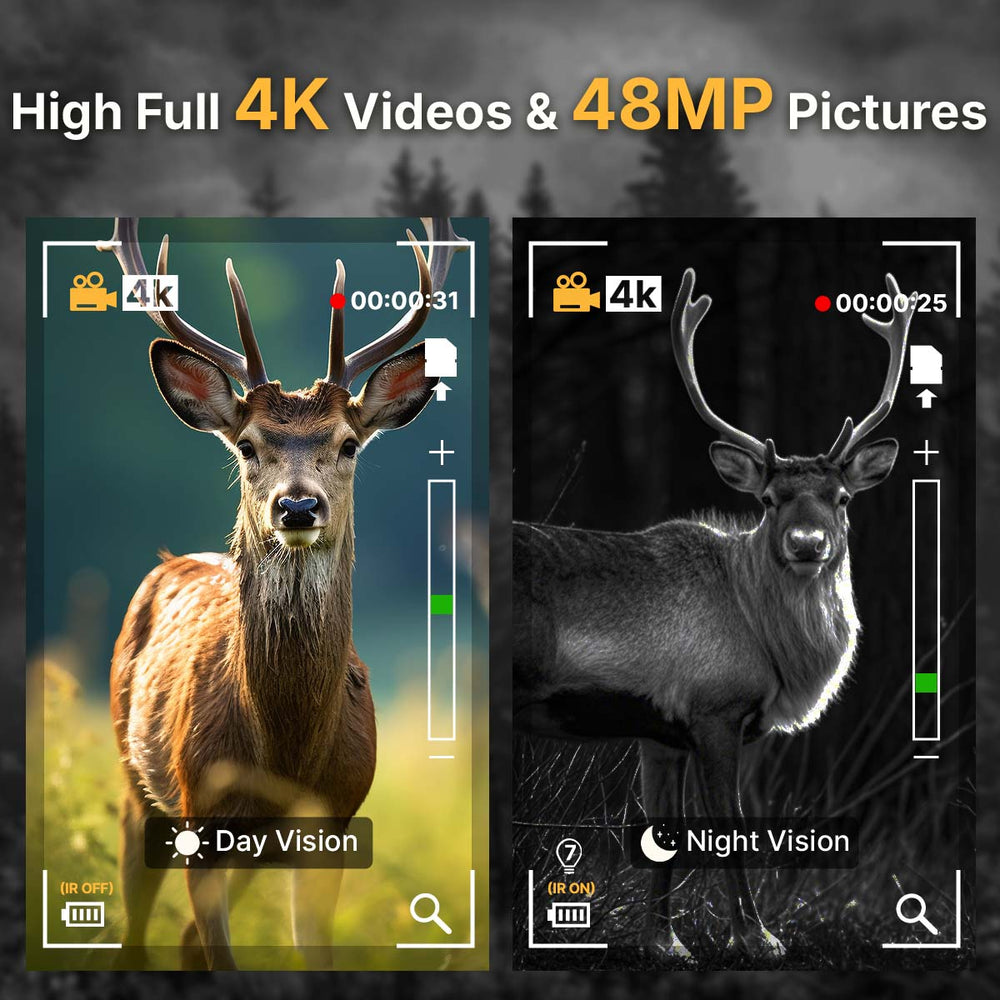
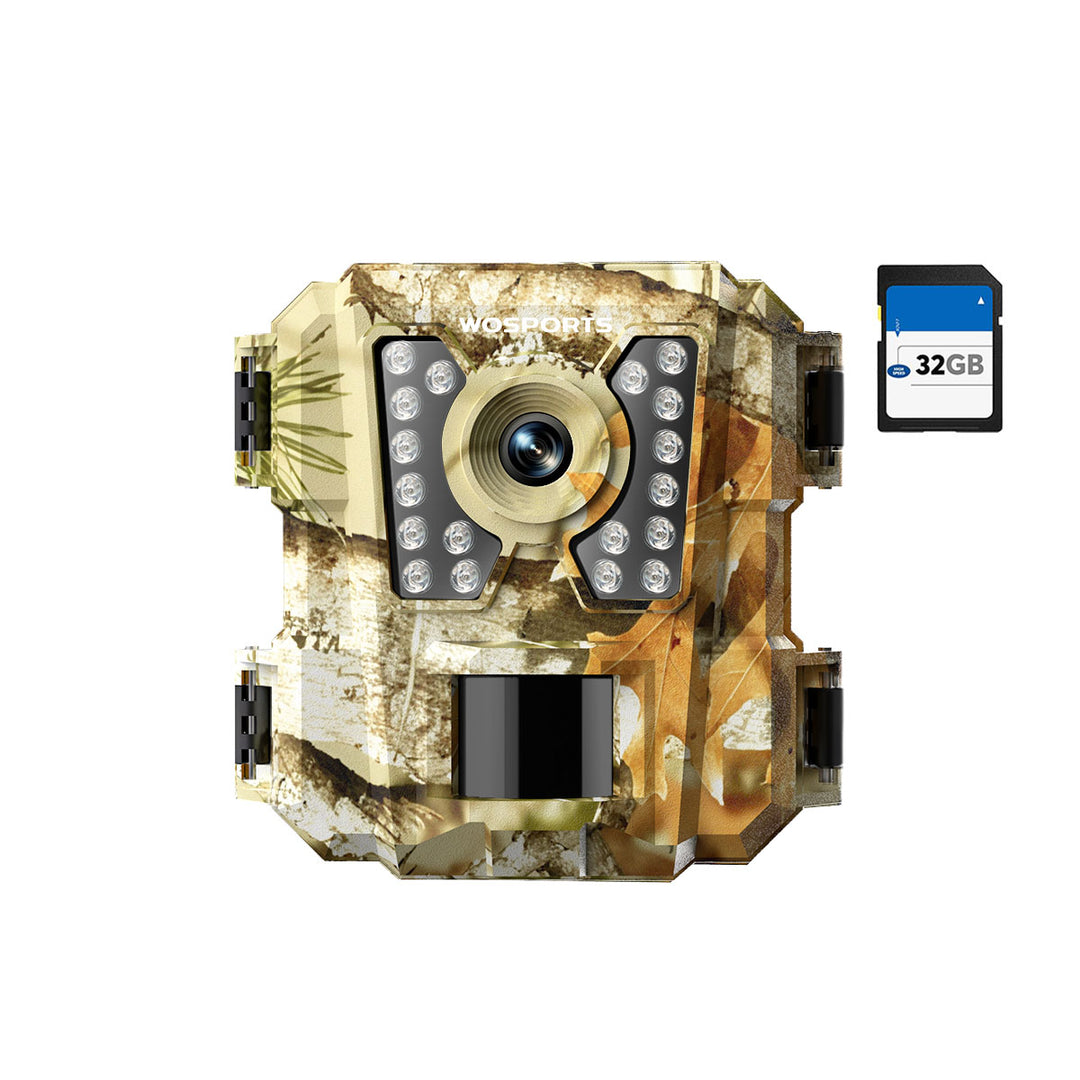
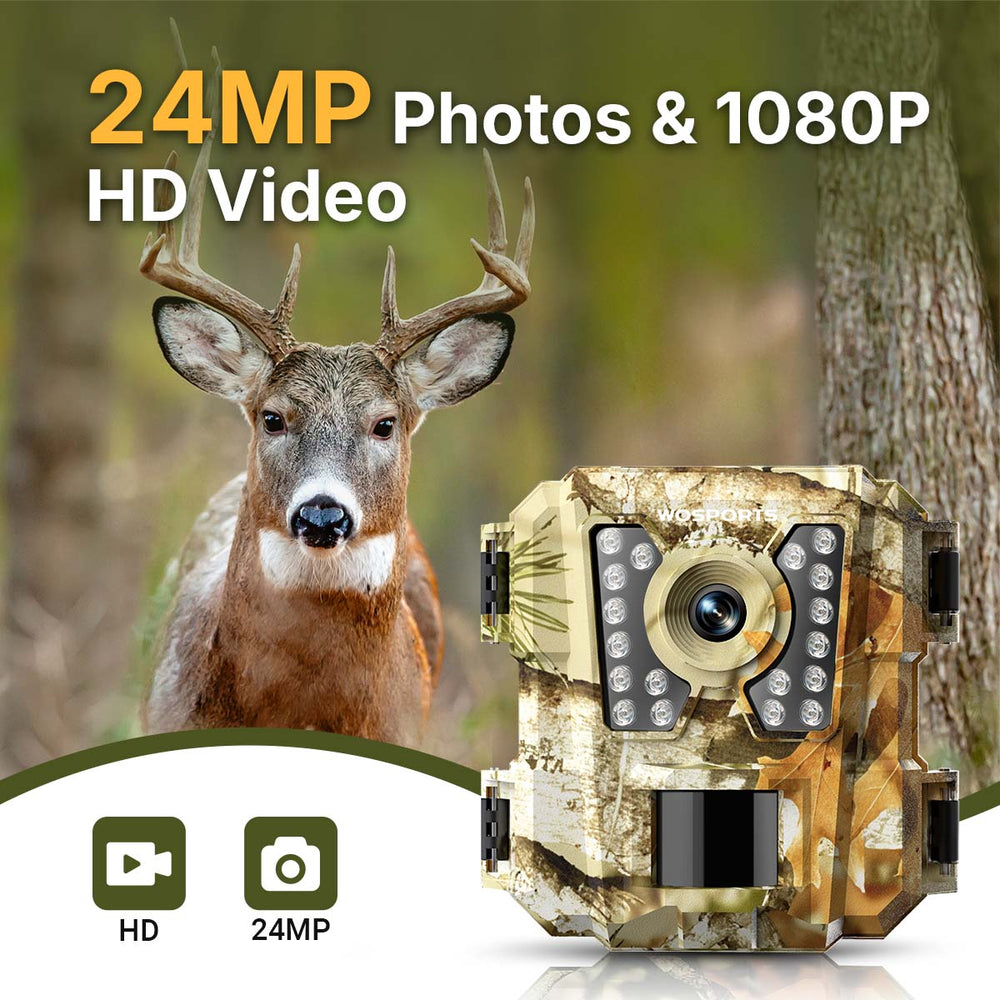
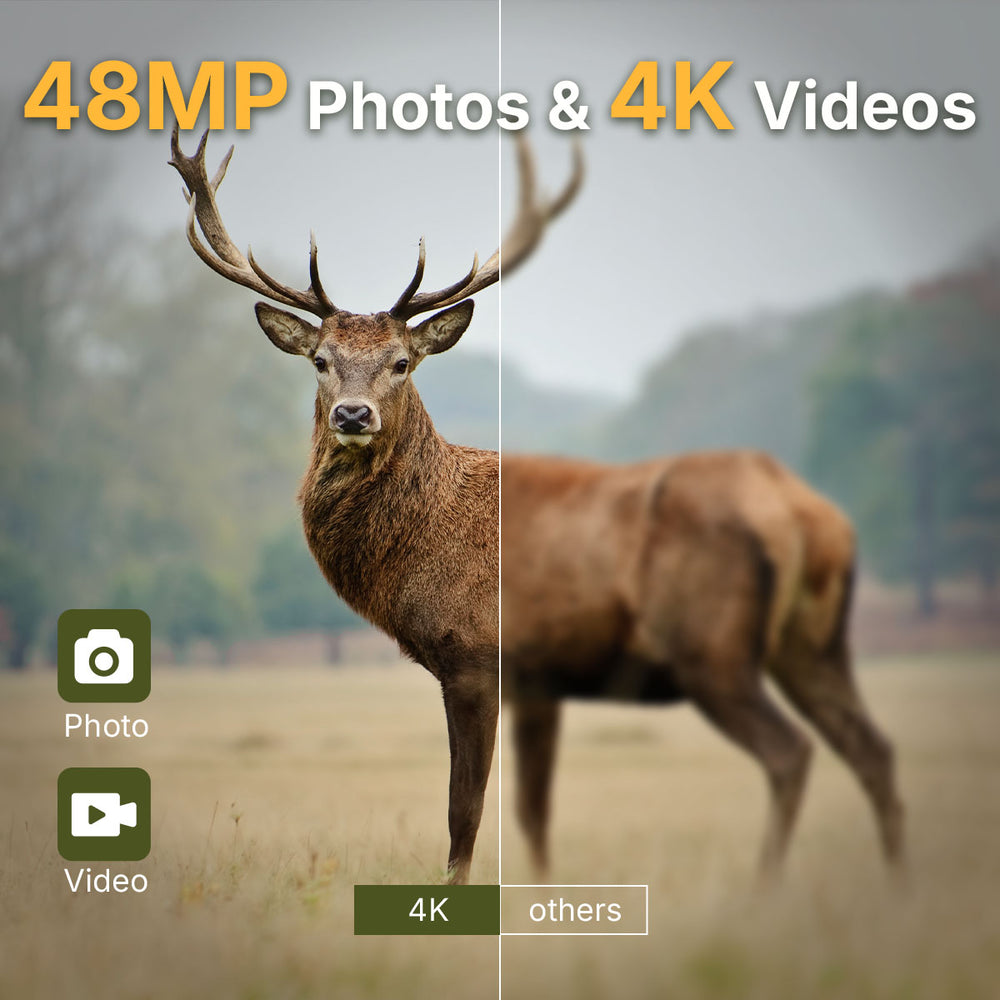
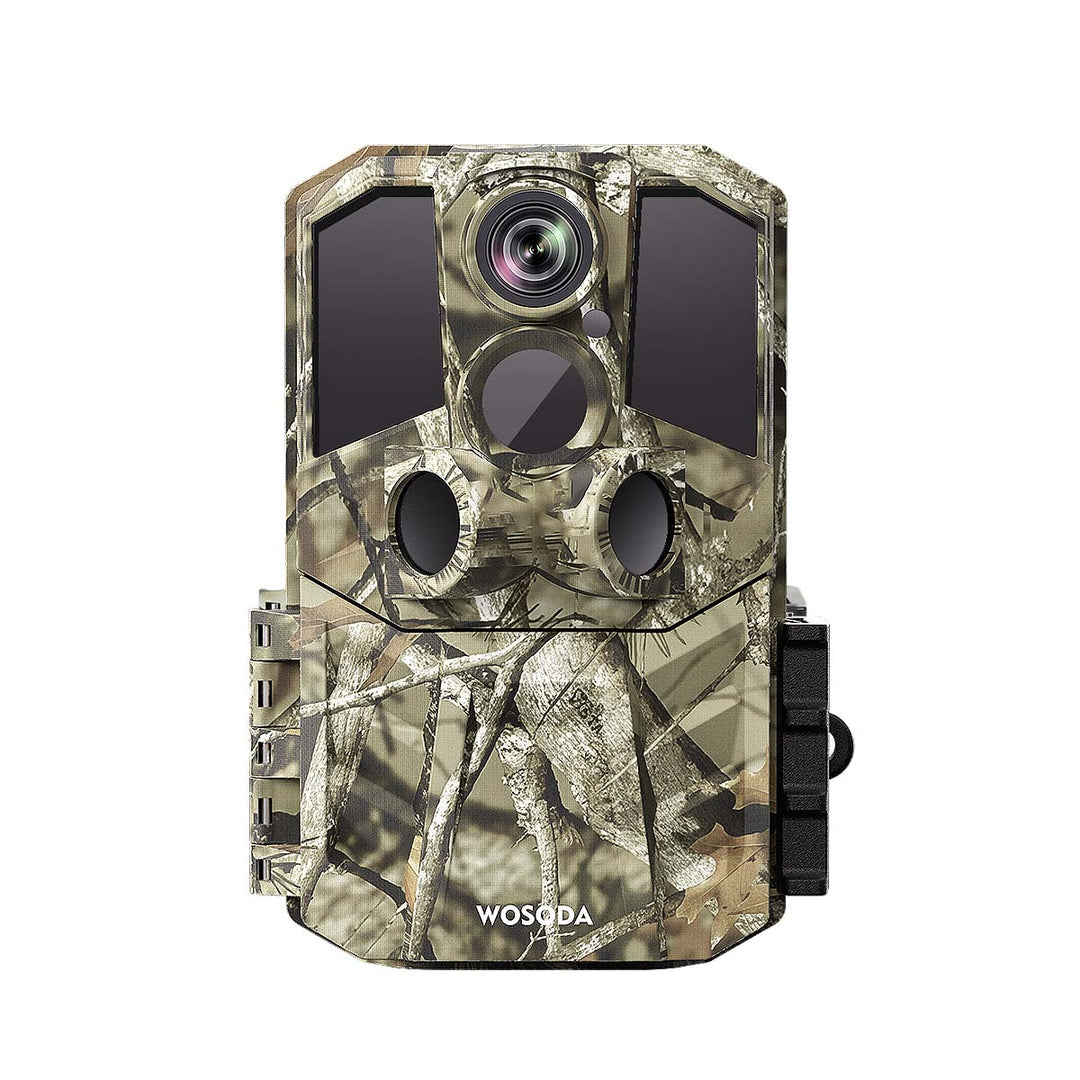
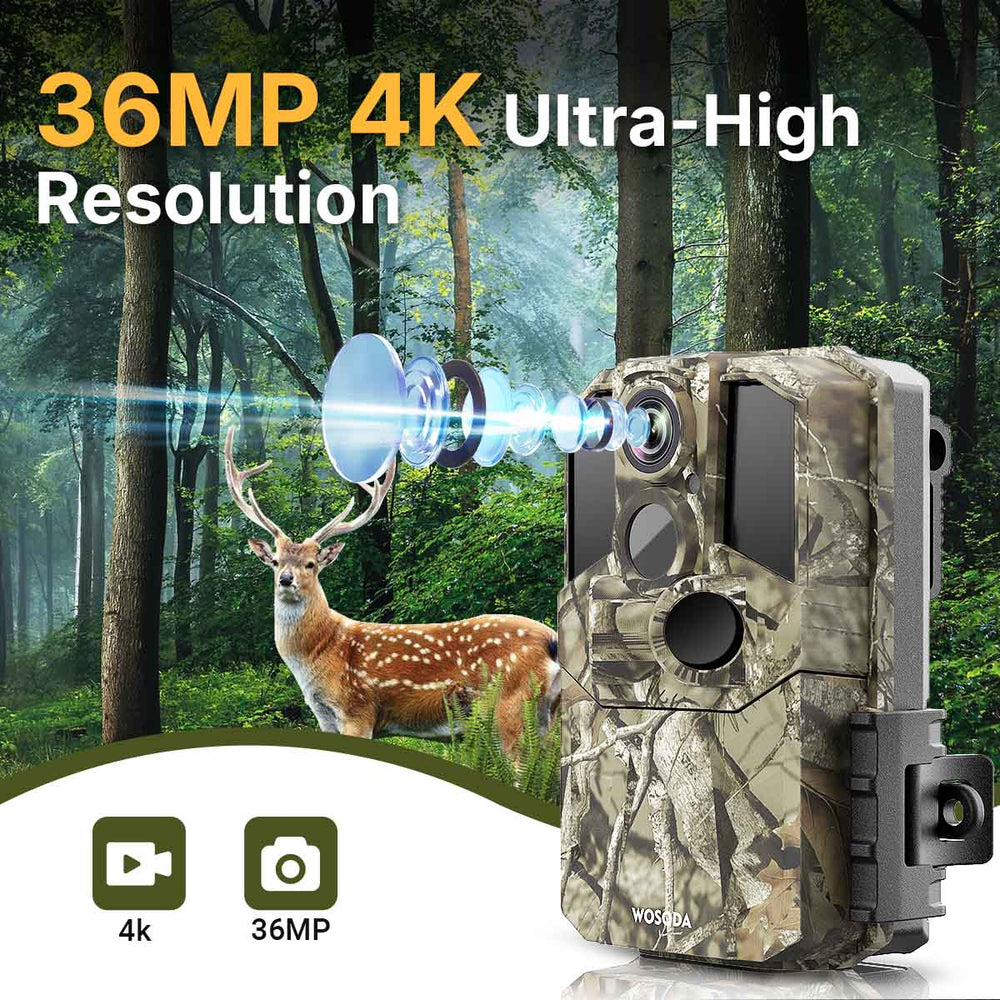
For example, the WOSPORTS G600 Trail Camera offers 48MP photos, 4K video, a 0.2-second trigger, and IP66 weather protection. It is a non-cellular model that saves footage locally to an SD card, making it suitable for users who want to monitor wildlife without relying on a mobile app or internet connection.
Explore the WOSPORTS G600 Trail Camera for its specifications and features.
7. Trail Camera vs. Security Camera: Which Is More Cost-Effective?
The initial purchase price is only one part of the total cost. Power supplies, storage, network service, subscriptions, and maintenance can all affect long-term expenses.
| Cost factor | Trail Camera | Security Camera |
|---|---|---|
| Initial purchase | Varies by features and design | Varies by camera and system complexity |
| Power | Often battery-powered | May use batteries, mains power, or PoE |
| Internet or cellular service | Not required for non-cellular models | May be required for remote features, depending on the system |
| Storage | Often local memory card storage | May use local storage, a recorder, or paid cloud storage |
| Maintenance | Battery replacement and occasional card or camera checks | Depends on power, connectivity, storage, and system design |
| Ongoing fees | May be minimal for local-storage models | May include subscriptions or network costs, depending on the product |
A non-cellular trail camera may have relatively low ongoing costs if you are comfortable retrieving files manually. A connected security camera may be worth the extra expense if remote alerts and live viewing are essential.
Compare the total cost of ownership rather than assuming one category is always cheaper.
8. How to Choose the Right Camera for Your Needs
Before purchasing either type, answer a few practical questions.
Do you need live viewing?
If you want to see what's happening right now, look for a connected security camera or a trail camera with compatible remote transmission features.
If recorded footage is sufficient, a local-storage trail camera may meet your needs.
Is the location remote?
For a location without reliable power or internet, a battery-powered, non-cellular trail camera can be a straightforward solution. Consider how often you can visit to retrieve footage and maintain the camera.
Are you monitoring wildlife or people?
For deer scouting and wildlife observation, a trail camera is usually the better fit. For front doors, driveways, and entrances where real-time alerts may matter, a security camera is often more suitable.
Do you need continuous recording?
Many trail cameras prioritize motion-triggered capture rather than continuous video. If you need uninterrupted footage, verify that the camera supports the recording mode you require.
How important are storage and privacy?
Local storage gives you direct control over where files are stored, although the camera and memory card still need to be protected. Cloud storage may offer convenient remote access but can involve account requirements, data handling considerations, and subscription fees.
Choose the system whose storage and access model fits your needs.
Frequently Asked Questions
Are trail cameras good for home security?
They can help record activity around remote areas, gates, and outdoor property boundaries. However, a non-connected trail camera typically does not offer the live viewing and immediate alerts associated with many security systems.
Do trail cameras need Wi-Fi?
No. Many trail cameras record photos and videos locally to a memory card without Wi-Fi. Cellular trail cameras use a supported mobile network to transmit images, which is different from Wi-Fi connectivity.
Can a security camera record wildlife?
Yes. A security camera can record wildlife if it is installed outdoors and has suitable motion detection, image quality, and nighttime performance. However, trail cameras are specifically designed for motion-triggered outdoor wildlife monitoring.
Which camera is better for a property without internet?
A non-cellular trail camera is a practical option if you only need recorded footage and can visit the property to retrieve it. Some security cameras also support local recording without internet, so compare the specific models.
Do trail cameras record continuously?
Many trail cameras primarily capture photos or videos when their motion sensors trigger. Some models offer time-lapse or other recording options, but you should not assume that a trail camera supports continuous recording.
Is a cellular trail camera the same as a security camera?
No. A cellular trail camera transmits captured images or other supported data over a cellular network. It may still operate mainly through motion-triggered recording rather than providing continuous live video and the broader features of a security system.
Final Takeaway
Trail cameras and security cameras both help you observe activity, but they are built around different priorities.
Choose a trail camera when your main goal is wildlife monitoring, outdoor scouting, or recording activity in a remote location. Choose a security camera when you need live viewing, timely notifications, or an integrated property surveillance system.
Before buying, compare recording modes, connectivity, power requirements, storage, nighttime performance, and ongoing costs. The right choice is the camera that fits the location and the information you actually need.
Search
Popular Posts
Recent Posts


Nov 28, 2024
Troubleshooting Common Trail Camera Issues
Jan 10, 2025
Why Does My Trail Camera Stop Working at Night?