How Can Retailers Prepare Trail Camera Setup Guides for First-Time Buyers?
A good trail camera setup guide helps first-time buyers install their cameras correctly, capture useful footage, and avoid common mistakes. For small retailers, providing a simple installation guide can also reduce repetitive customer support questions and improve the buying experience. The most useful guides focus on practical steps rather than overwhelming beginners with technical details.
What Should a Beginner Trail Camera Guide Include?
A beginner guide should cover five essentials: power, SD card preparation, camera settings, placement, and testing. These steps apply to many standard trail cameras, although customers should always follow the instructions for their specific model.
| Setup step | What customers should do |
|---|---|
| 1. Prepare batteries | Use the recommended battery type and check polarity |
| 2. Insert SD card | Confirm the supported card capacity and format |
| 3. Configure settings | Set photo/video mode, resolution, and date |
| 4. Mount the camera | Attach it securely at the intended monitoring location |
| 5. Test detection | Walk through the detection area and review sample images |
Retailers can turn this table into a printable quick-start sheet or a short instructional video.
How Should Customers Choose a Camera Location?
Camera placement has a major influence on wildlife monitoring results. Customers should position the camera near areas where animal activity is likely, such as trails, water sources, or frequently used paths.
The University of California Cooperative Extension recommends looking for signs of wildlife activity when selecting camera locations. Its guidance also discusses aiming a camera across a trail to improve the chance of capturing passing animals.
Source: UC Cooperative Extension, Best Practices for Using Wildlife Cameras
https://ucanr.edu/sites/default/files/2026-04/FSE%20Forest%20Stewardship%20Program%20April%202026%20Newsletter%20Wildlife%20Cameras.pdf
Beginner-friendly placement tips include:
-
Avoid pointing directly into strong sunlight.
-
Clear nearby branches that may trigger unwanted images.
-
Mount the camera securely to reduce movement.
-
Test the detection area before leaving the location.
-
Check local rules before placing cameras on public or private land.
What Troubleshooting Tips Should Retailers Provide?
A useful trail camera troubleshooting section should address the problems beginners are most likely to encounter.
| Problem | What to check first |
|---|---|
| Camera does not turn on | Battery charge, battery direction, and contacts |
| No photos are saved | SD card compatibility, formatting, and available space |
| Too many empty images | Camera angle, moving vegetation, and sensitivity |
| Animals are missing from images | Detection area, mounting height, and trigger settings |
| Night images look dark | Battery condition, distance, and camera positioning |
Oregon State University Extension explains that detection range and camera placement influence which animals are captured and how much detail appears in images.
Source: Oregon State University Extension, Wildlife Cameras: A Snapshot of What You Need to Know
https://extension.oregonstate.edu/forests/health-managment/wildlife-cameras-snapshot-what-you-need-know
Use the WOSPORTS G600 as a Setup Example
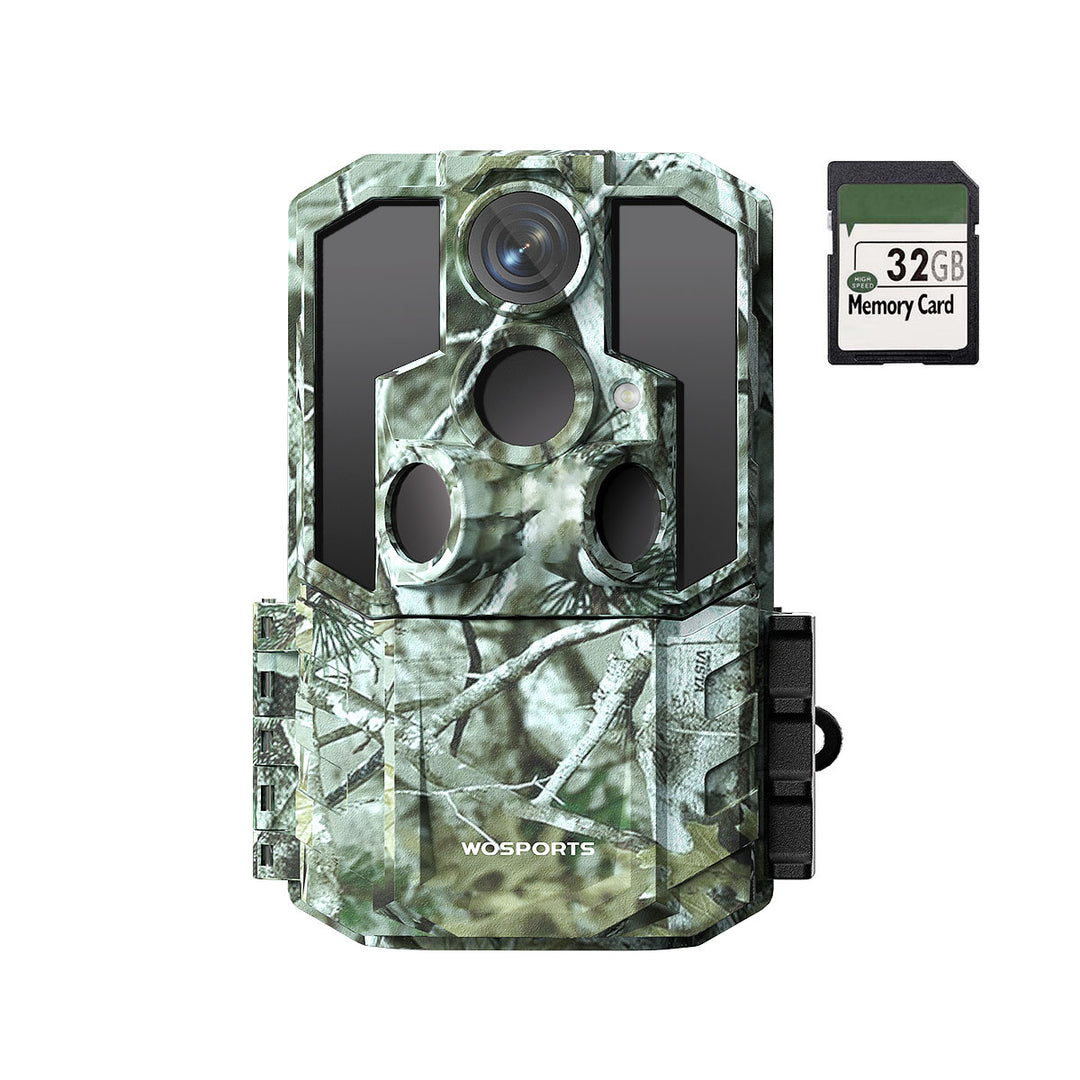
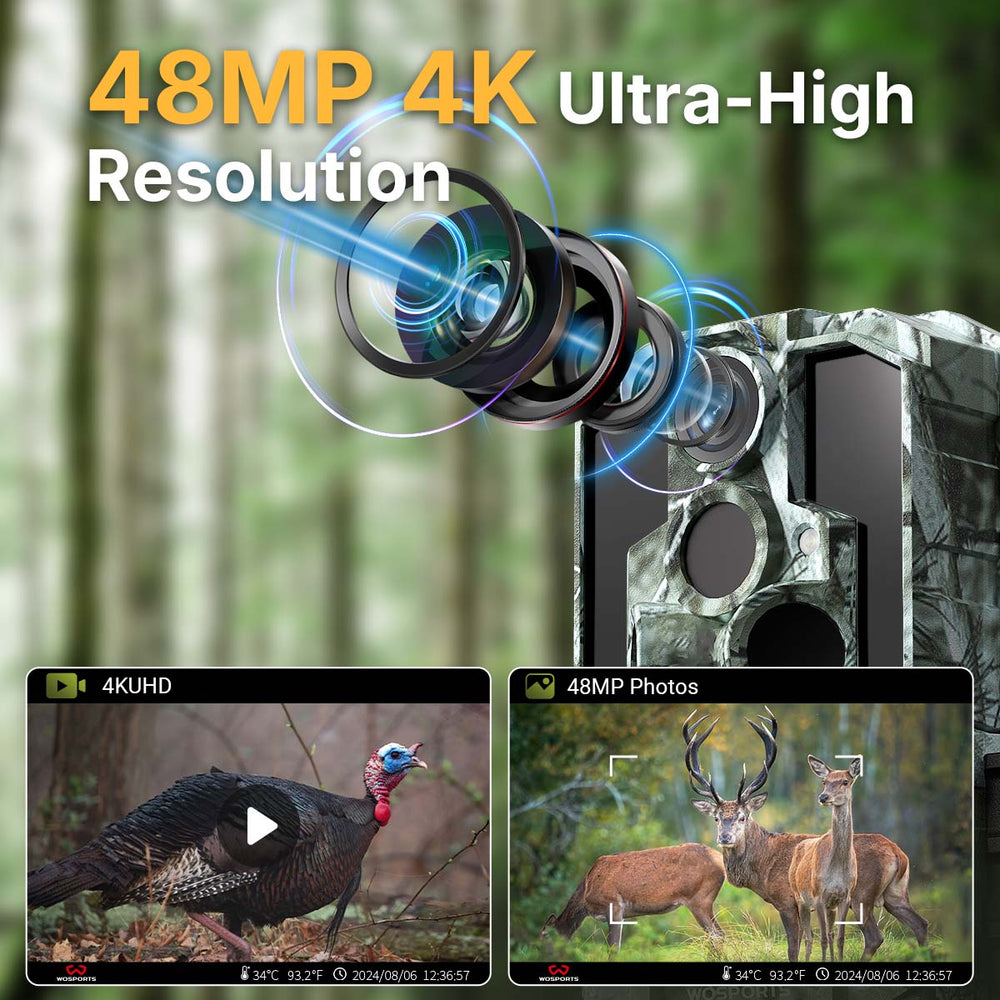
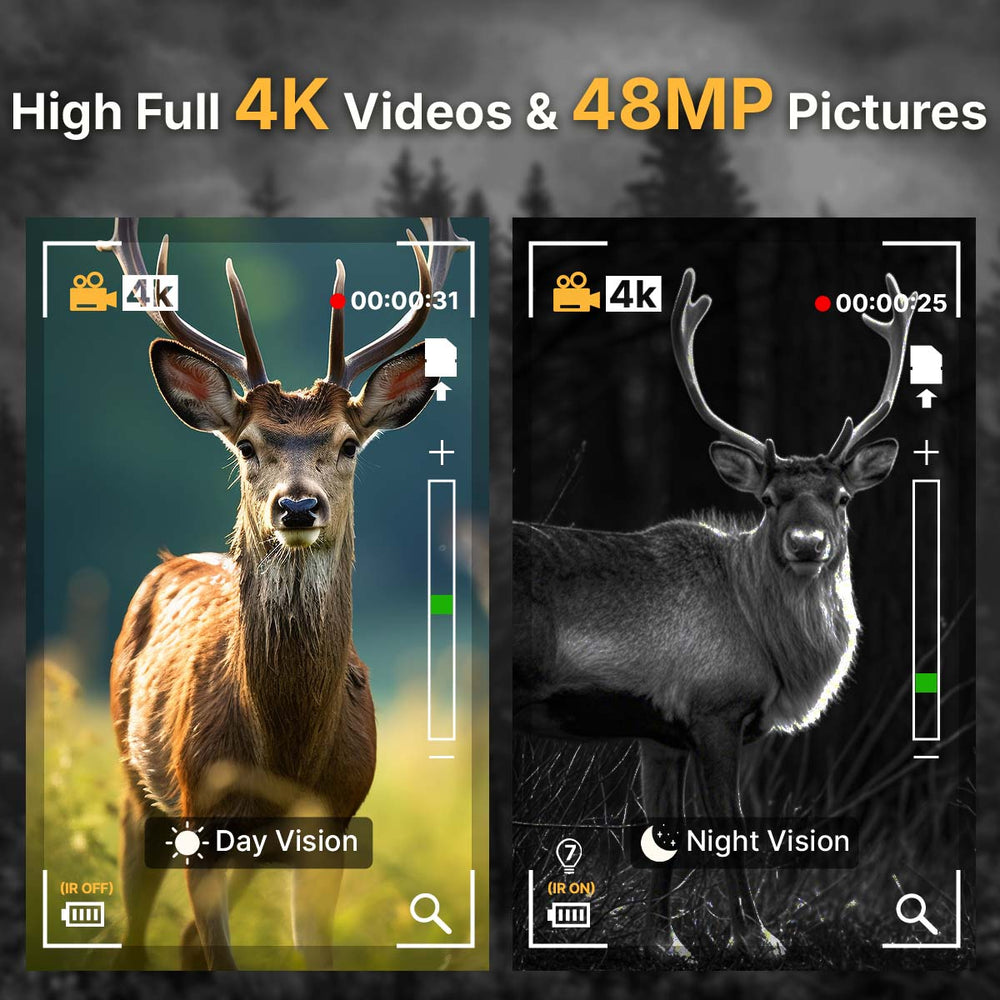
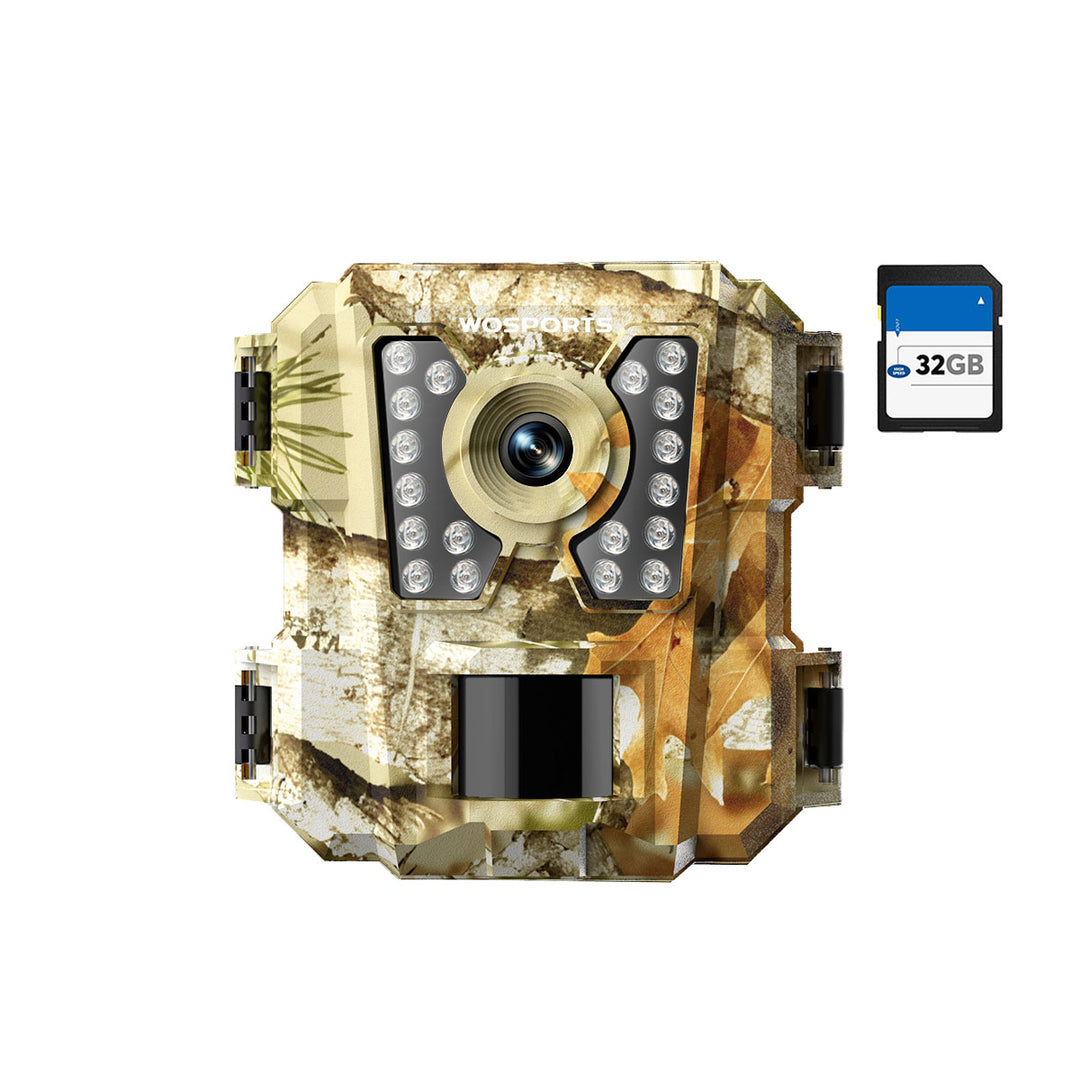
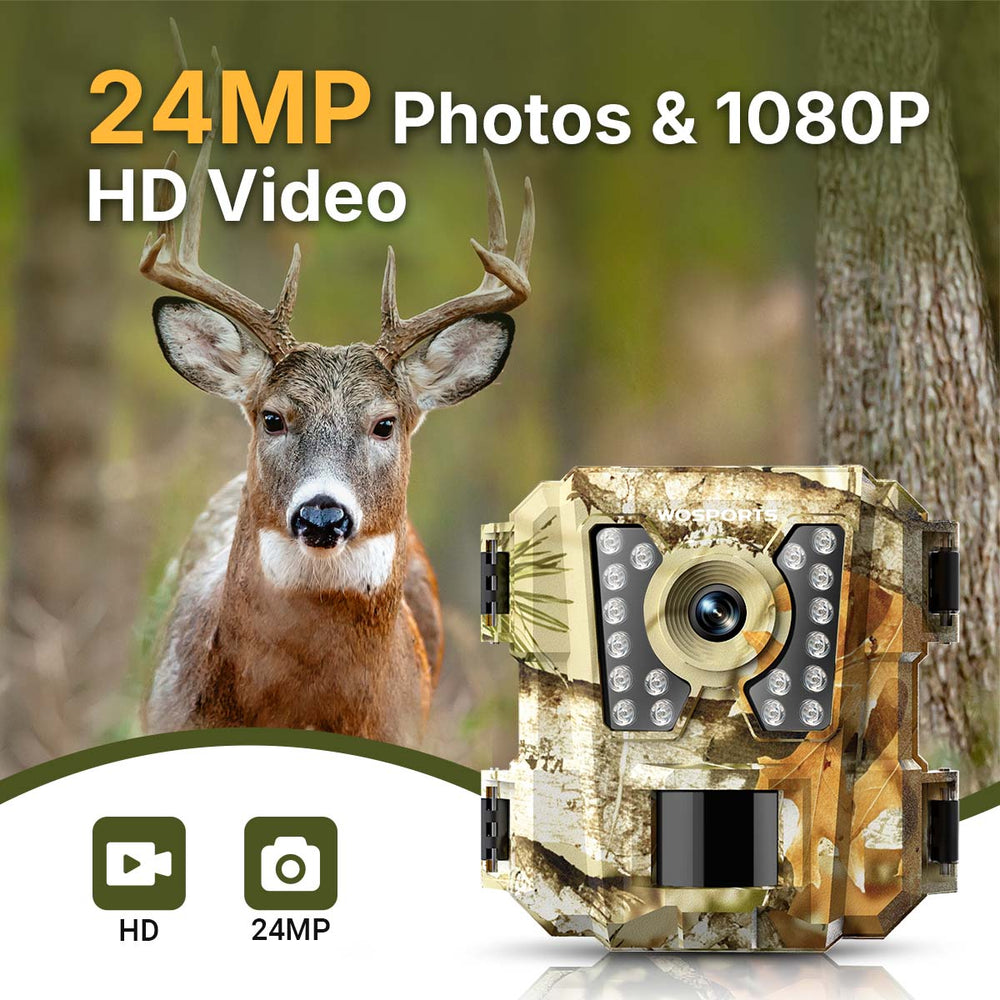
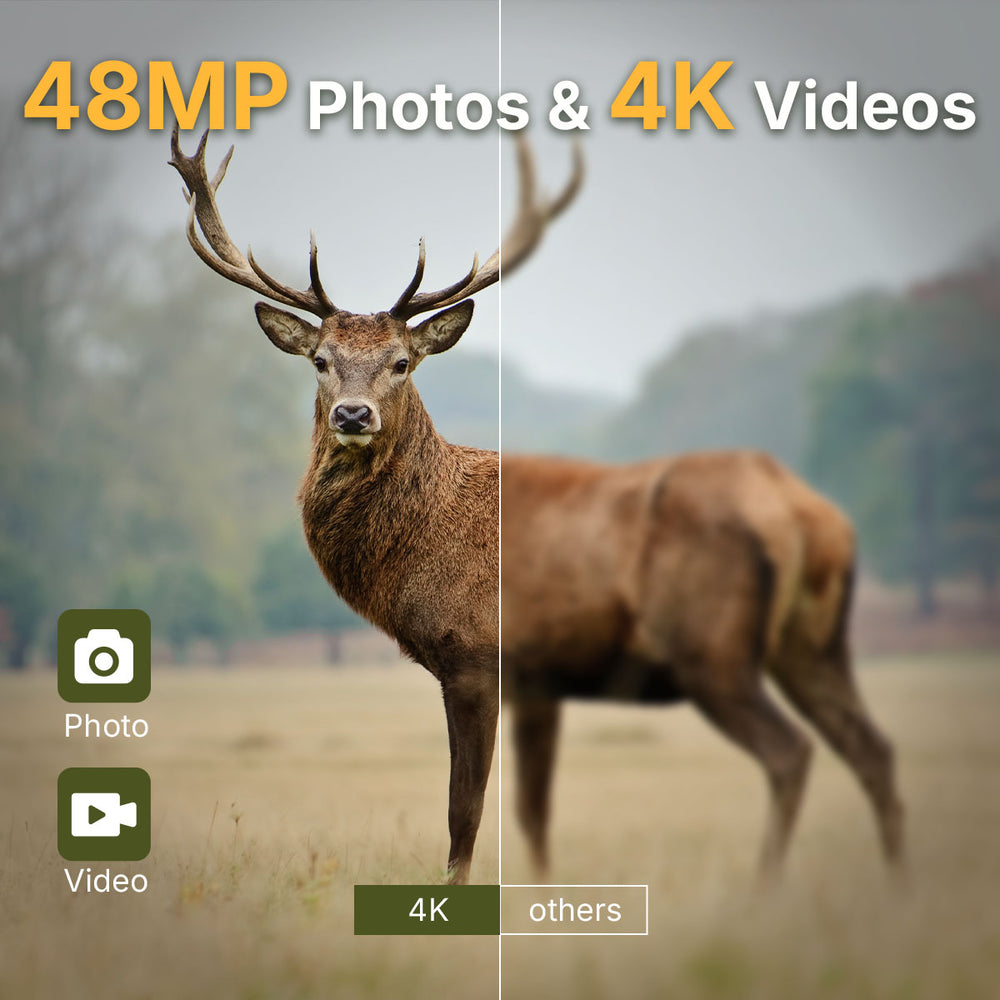
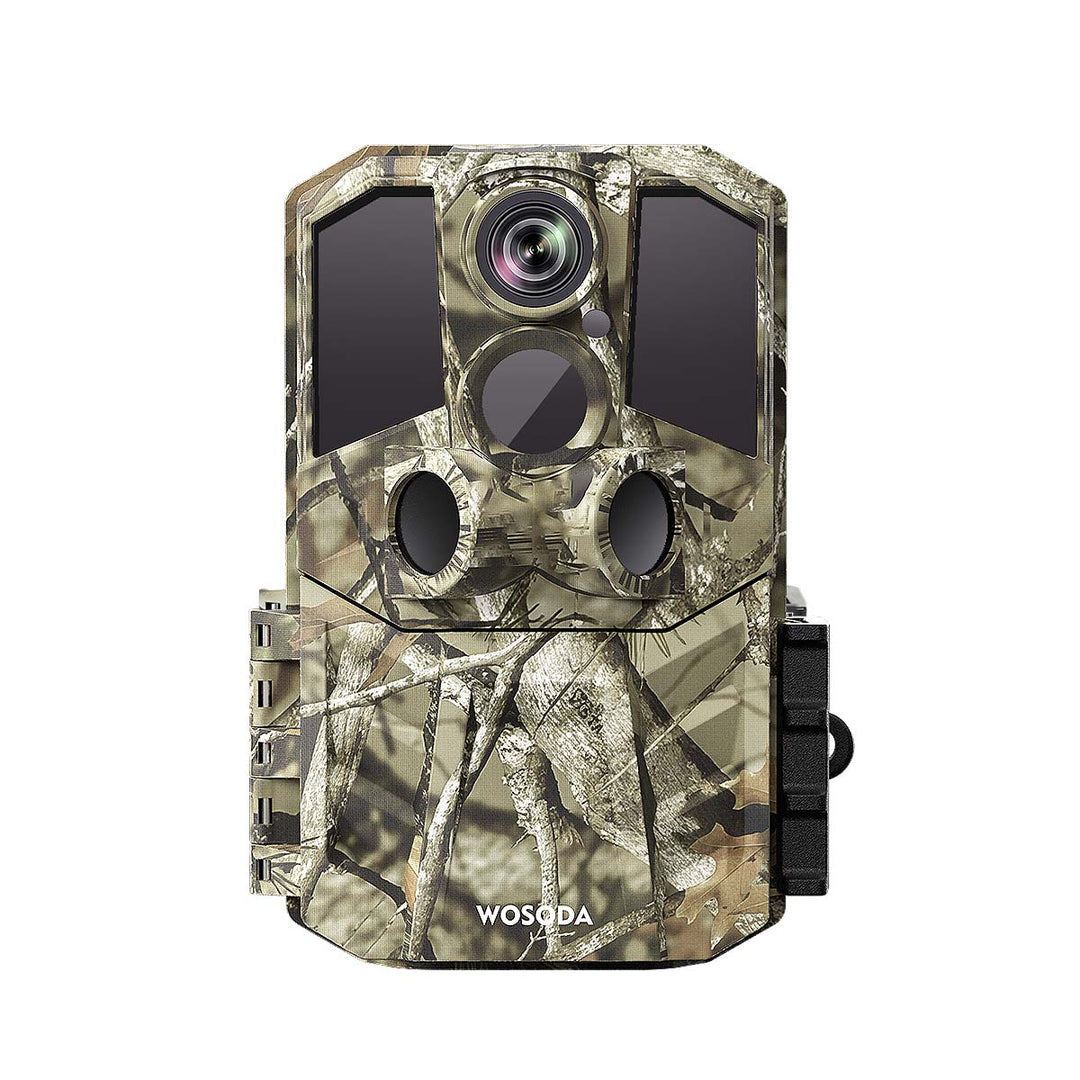
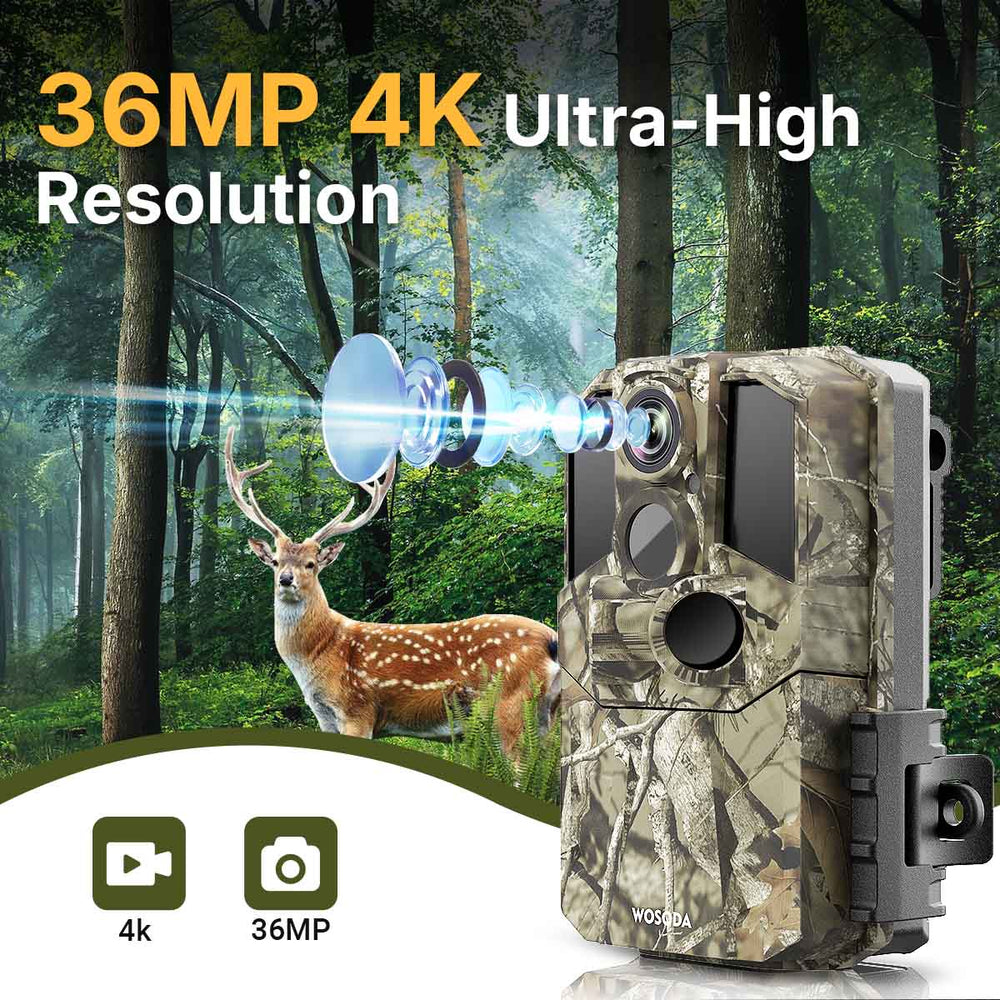
The WOSPORTS G600 trail camera can be introduced in a beginner guide as an example of a traditional SD card camera. It supports up to 48MP photos and 4K video, has a 2-inch TFT LCD screen, and offers up to 70 ft PIR detection distance.
Retailers can build a product-specific guide around these steps:
-
Install eight AA batteries according to the battery compartment markings.
-
Insert a compatible SD card.
-
Configure the date, time, and recording mode.
-
Mount the camera toward the intended monitoring area.
-
Walk through the detection zone to test triggering.
-
Review sample footage on the built-in screen.
The G600 stores footage locally and does not send images to a phone through Wi-Fi or cellular service. This should be stated clearly in the guide.
FAQ: Trail Camera Setup for Beginners
Should customers format a new SD card?
They should follow the camera manual's instructions for preparing the card. Compatibility and formatting requirements can vary by model.
How often should customers check the camera?
It depends on battery capacity, recording frequency, weather, and the amount of activity at the location.
Why does the camera take pictures of moving leaves?
Wind, sunlight, and moving vegetation can cause unwanted triggers. Adjusting placement and sensitivity may help.
A Simple Way to Improve Customer Support
Small retailers do not need a complicated technical manual. A one-page quick-start guide, a few annotated photos, and a short troubleshooting checklist can answer many first-time buyer questions. Including these materials with products such as the WOSPORTS G600 can make the purchase experience easier while reducing avoidable support requests.
Search
Popular Posts
Recent Posts


Nov 28, 2024
Troubleshooting Common Trail Camera Issues
Jan 10, 2025
Why Does My Trail Camera Stop Working at Night?