How to Use a Laser Rangefinder for Golf
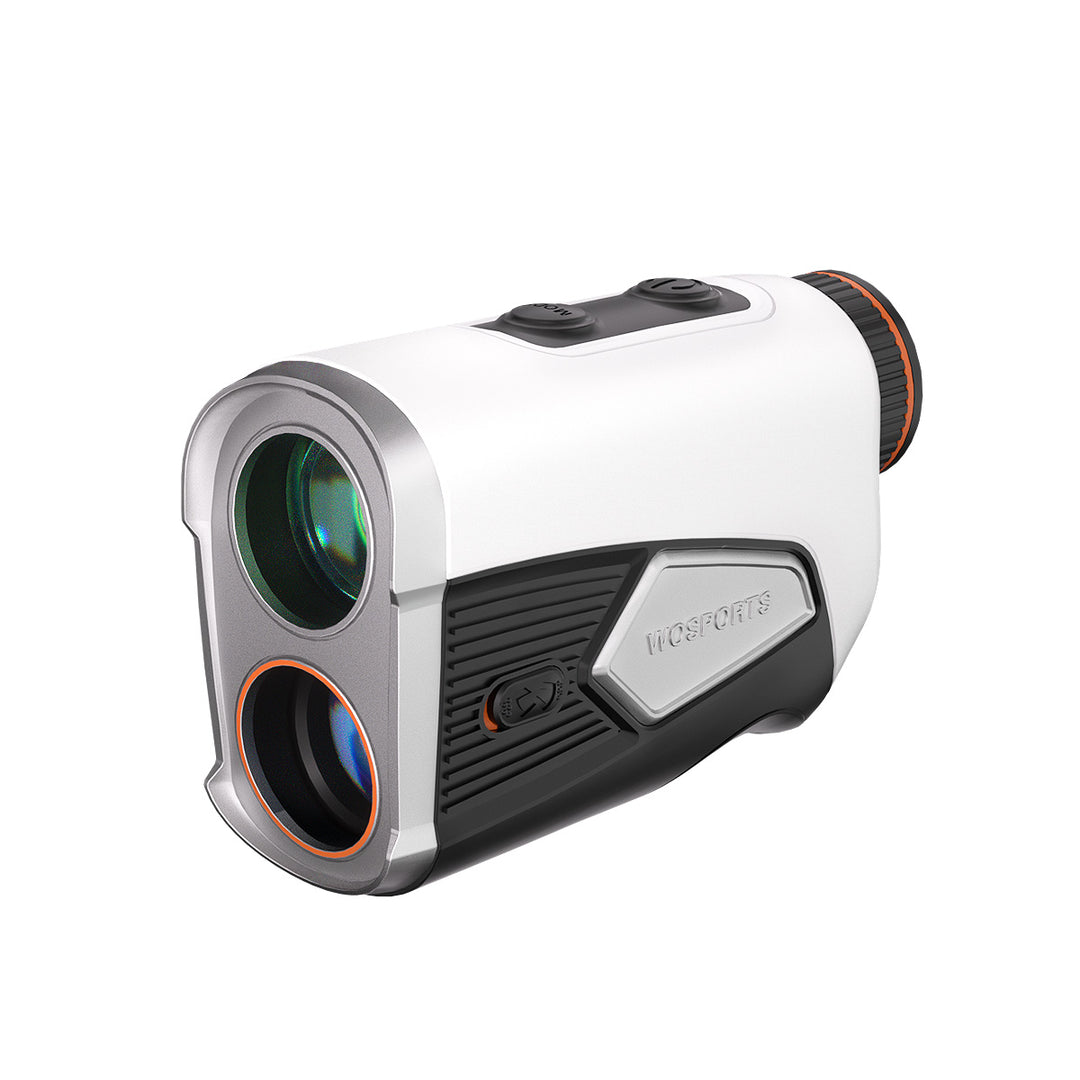
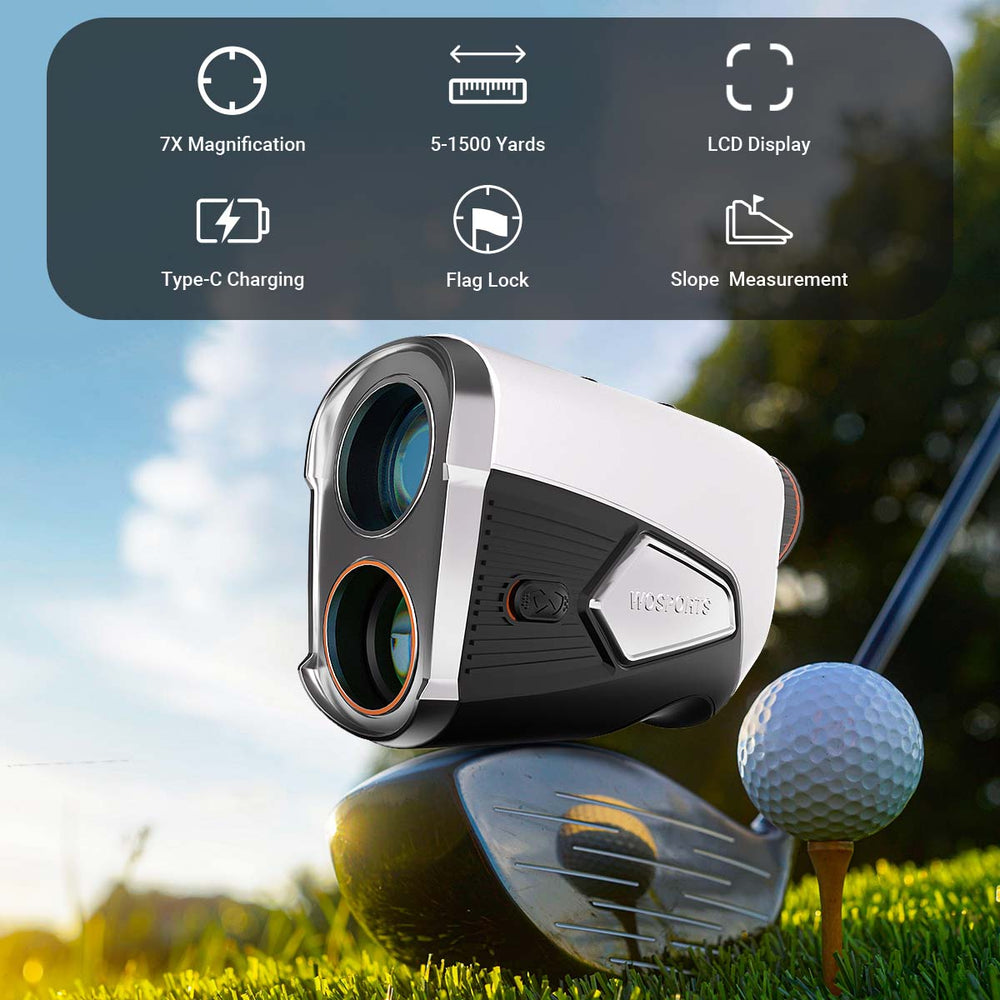
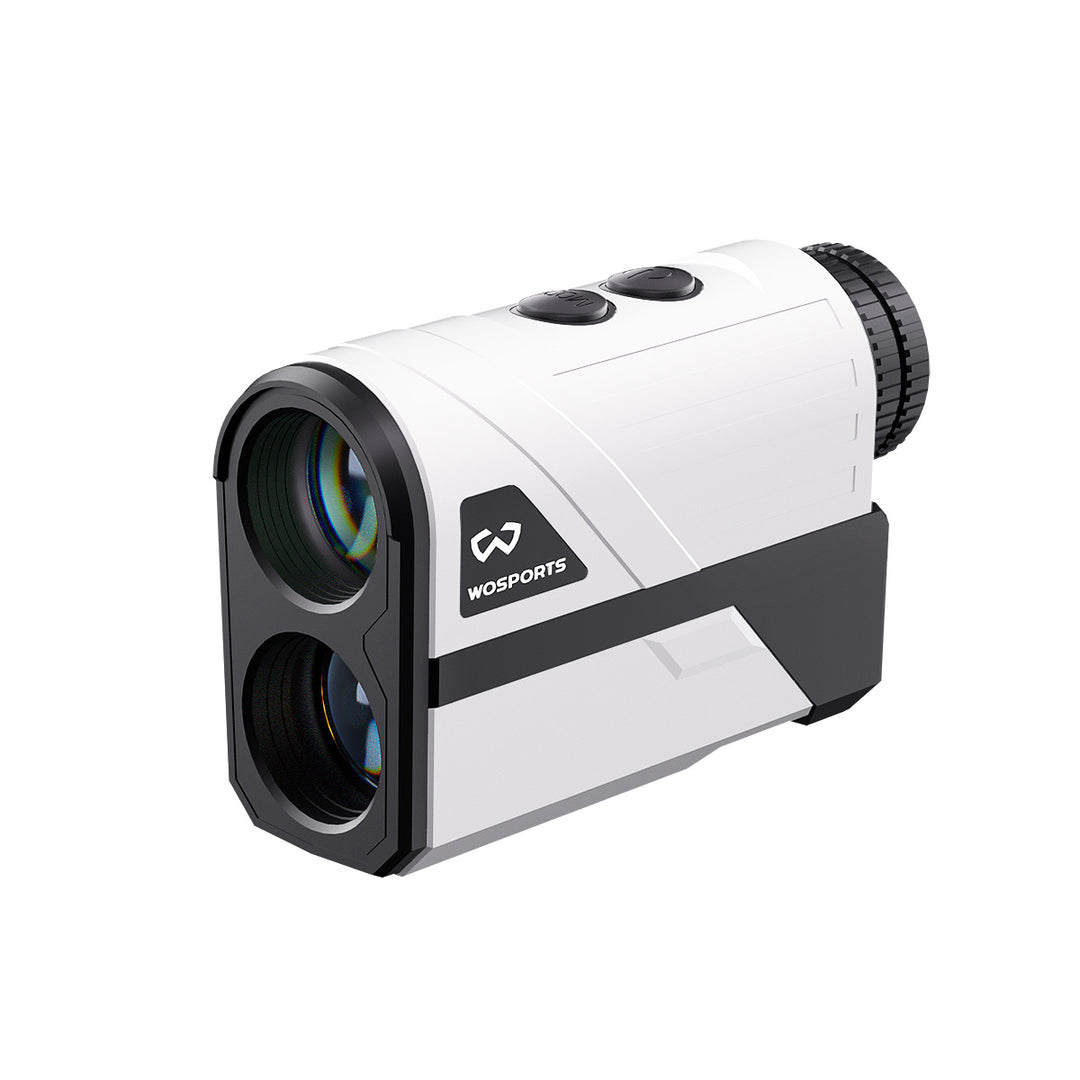
A laser rangefinder is one of the most powerful tools you can add to your golf bag, instantly transforming guesswork into confident decision-making. Whether you're a beginner looking to understand distances or an experienced player aiming for pinpoint accuracy, knowing how to effectively use your rangefinder is crucial. This step-by-step guide will walk you through the process, ensuring you get the most out of your WOSPORTS golf rangefinder and confidently dial in every shot.
Step 1: Power On and Basic Setup
Before you even step onto the tee box, ensure your rangefinder is ready:
-
Power On: Most WOSPORTS rangefinders have a single power/fire button. Press it once briefly to turn on the display. The reticle (crosshairs) and numbers will appear in the viewfinder.
-
Diopter Adjustment (If Available): If the display or target looks blurry, use the diopter adjustment ring (usually located around the eyepiece) to sharpen the focus. Adjust it until the numbers and reticle are crisp for your vision.
-
Units of Measurement: Confirm your desired unit (yards or meters). Many WOSPORTS models allow you to switch between these units, often by holding down a specific button (check your user manual).
Step 2: Aiming and Firing for Basic Distance
This is the core function of your rangefinder:
-
Look Through the Viewfinder: Bring the rangefinder to your eye, just like a small monocular.
-
Aim the Reticle: Center the crosshairs or aiming reticle over your intended target. For flagstick measurements, try to aim directly at the base of the flag or the middle of the stick.
-
Press and Hold the Fire Button: Press and hold the power/fire button. The laser will activate, and within a fraction of a second, the distance will appear in the display.
-
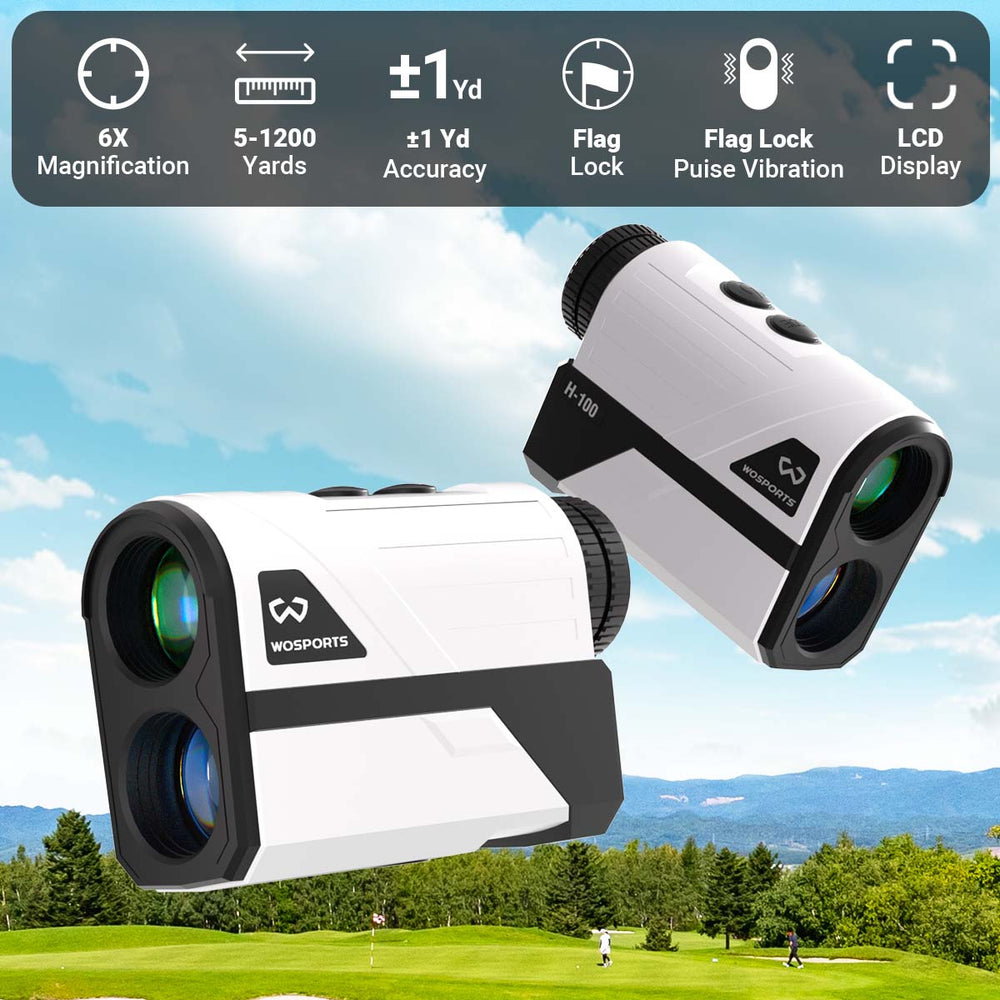
Confirm Target Acquisition (Flag-Lock): Many WOSPORTS rangefinders feature Flag-Lock technology and vibration feedback. When the device successfully locks onto the flagstick (filtering out background objects), it will display the distance and often give a subtle "jolt" or vibration. This is your confirmation!
-
Release the Button: Once the distance is displayed and confirmed, you can release the button.
Pro Tip: For maximum stability, brace your elbows against your body or, if available, use a magnetic mount to attach your WOSPORTS rangefinder to a golf cart for a steady shot.
Step 3: Utilizing Advanced Features (Slope & Scan Mode)
Modern WOSPORTS rangefinders come packed with features to provide even more information.
Using Slope Compensation:
-
Understand Its Purpose: Slope compensation measures the elevation difference between you and your target, providing a "plays like" distance (the actual distance you should hit the ball to account for uphill/downhill).
-
Activate/Deactivate: Your WOSPORTS rangefinder with slope will have an easy-to-use switch or button to toggle the slope function ON or OFF.
-
For Practice/Casual Play: Turn the slope ON. When you measure a target, two distances will often be displayed: the line-of-sight distance and the adjusted "plays like" distance. Use the adjusted distance for club selection.
-
For Tournaments/Official Rounds: Always turn the slope OFF to comply with the Rules of Golf. Your rangefinder will then only display line-of-sight distances.
-
-
WOSPORTS Tip: Familiarize yourself with how your specific WOSPORTS model displays the slope-adjusted distance, as presentation may vary slightly.
Using Scan Mode:
-
Activate: While in basic measurement mode, simply press and hold the fire button continuously.
-
Sweep the Course: As you hold the button, slowly sweep the rangefinder across different targets (e.g., the front edge of a bunker, the middle of the green, a distant tree).
-
Real-Time Distances: The display will continuously update with the distances to whatever object the laser is currently hitting.
-
Why it helps: Great for quickly getting distances to multiple hazards, understanding the depth of a green, or planning a layup.
Step 4: Strategic Application on the Course
A rangefinder is only as good as how you use the information it provides:
-
Target the Flag: Always get a precise distance to the flag for approach shots.
-
Measure Carries: Before hitting over water or bunkers, measure the distance to the front edge of the hazard and the distance to carry over it.
-
Layup Planning: If you can't reach the green, use scan mode to find a comfortable layup distance to a specific spot in the fairway.
-
Practice with Purpose: On the driving range, measure your actual carry distances for each club. This helps you truly understand your game and build a reliable "distance arsenal."
-
Trust Your Numbers: Once you get a measurement from your WOSPORTS rangefinder, trust it! This eliminates doubt and allows you to commit to your shot.
Maintaining Your WOSPORTS Rangefinder
-
Keep Lenses Clean: Use a micro-fiber cloth (like one for eyeglasses) to gently clean the lenses. Avoid abrasive materials.
-
Protect from Elements: Most WOSPORTS rangefinders are water-resistant, but it's always best to store them in their protective case during heavy rain.
-
Battery Life: Keep an eye on the battery indicator. If your WOSPORTS model uses disposable CR2 batteries, carry a spare. If it's rechargeable (like some WOSPORTS models), ensure it's charged before your round.
By following these simple steps, you'll quickly become proficient with your WOSPORTS golf rangefinder, gaining a powerful edge for every round, whether you're navigating a new course or perfecting your game for the next season. Precision is within reach!
Search
Popular Posts
Recent Posts


Nov 28, 2024
Troubleshooting Common Trail Camera Issues
Jan 10, 2025
Why Does My Trail Camera Stop Working at Night?